

What Is Dockerization? Definition, Example and When You Need Kubernetes
Dockerization is the process of packaging an application and everything it
needs to run (code, runtime, libraries, system tools and configuration) into a
Docker image, so it behaves the same on every machine. You write a
Dockerfile that describes how to build the image, and Docker runs that image
as an isolated process called a container.
Kubernetes is a separate tool. Docker packages and runs containers; Kubernetes decides where many containers run across many machines, restarts them when they fail, and scales them with load. Most apps need the first long before the second.
Last reviewed October 2026.
Dockerization example: React, Express and Postgres
A typical full-stack app has three parts: a React frontend, an Express API and a database. Here is a minimal setup for the API.
Dockerfile for the Express API
# Build stage: install all dependencies
FROM node:22-alpine AS deps
WORKDIR /app
COPY package*.json ./
RUN npm ci

# Runtime stage: only production dependencies and source
FROM node:22-alpine
WORKDIR /app
ENV NODE_ENV=production
COPY package*.json ./
RUN npm ci --omit=dev
COPY . .
USER node
EXPOSE 3000
CMD ["node", "server.js"]
Add a .dockerignore so node_modules, .git and .env never enter the image:
node_modules
.git
.env
npm-debug.log
docker-compose.yml for the whole stack
services:
  web:
    build: ./client # your React app, built and served by its own Dockerfile
    ports:
      - "8080:80"
    depends_on:
      - api

  api:
    build: ./server
    ports:
      - "3000:3000"
    environment:
      DATABASE_URL: postgres://app:${DB_PASSWORD}@db:5432/app
    depends_on:
      db:
        condition: service_healthy

  db:
    image: postgres:16
    environment:
      POSTGRES_USER: app
      POSTGRES_PASSWORD: ${DB_PASSWORD}
      POSTGRES_DB: app
    volumes:
      - pgdata:/var/lib/postgresql/data
    healthcheck:
      test: ["CMD-SHELL", "pg_isready -U app"]
      interval: 5s
      retries: 5

volumes:
  pgdata:
Run it with docker compose up --build. Put DB_PASSWORD in an .env file
that is not committed. The named volume keeps your database data when the
container is replaced.
Why dockerize an application?
- Consistency. The same image runs in development, CI and production, which removes most "works on my machine" problems.
- Faster onboarding. A new developer runs one command instead of installing a runtime, a database and the right versions by hand.
- Isolation. Each service has its own dependencies, so a Node upgrade in one service doesn't break another.
- Lighter than virtual machines. Containers share the host kernel, so they start in seconds and use less memory than a VM.
- Portable deployments. Any host that runs Docker, or a managed container platform, can run the image.
Containers isolate processes but are not a security boundary on their own. Run as a non-root user (as in the Dockerfile above), keep images small, and update base images regularly.
Docker vs Kubernetes
| Docker (with Compose) | Kubernetes | |
|---|---|---|
| What it does | Builds images and runs containers | Orchestrates containers across a cluster |
| Typical scale | One machine or a few | Many machines |
| Self-healing | Restart policies on one host | Reschedules failed containers onto healthy nodes |
| Autoscaling | Manual | Built in (horizontal pod autoscaling) |
| Rolling updates | Basic | Built in, with rollbacks |
| Learning curve | Days | Weeks to months |
| Running cost | One server | Control plane plus several nodes, plus someone to operate it |
| Good fit | MVPs, internal tools, small to mid-size apps | Many services, variable traffic, multiple teams |
When Kubernetes is worth it
Consider it when you have several services that need to scale independently, traffic that varies enough to need autoscaling, a need for zero-downtime deployments across multiple machines, or a team that can operate a cluster. If you have a single app and a database, Docker Compose on one server, or a managed platform that runs your container for you, is usually the better choice. A managed Kubernetes service (EKS, GKE, AKS) reduces the operational load but doesn't remove it.
How Docker and Kubernetes work together
- Build. Your CI pipeline builds an image from the Dockerfile and pushes it to a registry.
- Describe. A Kubernetes Deployment names the image and how many replicas should run.
- Schedule. Kubernetes places the containers on nodes with enough capacity.
- Heal and scale. If a container crashes, Kubernetes replaces it; if load rises, an autoscaler adds replicas.
- Update. A new image tag triggers a rolling update, and you can roll back if the new version fails its health checks.
Common mistakes
- Baking secrets into the image. Pass them as environment variables or
through your platform's secret store, never
COPY .env. - Running as root. Add a
USERinstruction. - Huge images. Use slim or alpine bases and multi-stage builds.
- Storing data inside the container. Containers are disposable; use volumes or a managed database.
- Adopting Kubernetes too early. The cluster becomes the project instead of the product.
Recommended books
- Kubernetes Up & Running: practical guide to deploying and managing containerized applications.
- Docker Deep Dive: containerization basics through security and networking.
- Kubernetes Patterns: reusable design patterns for cloud-native applications.
- The Kubernetes Book: from setting up a cluster to running production workloads.
- Learn Docker in a Month of Lunches: short lessons for developers new to Docker.
Need help containerizing an app or choosing a deployment setup? I help teams ship and stabilize production apps, including AI-built prototypes that need a proper deployment. Book a technical diagnostic.
If you enjoyed this article, consider supporting my work:
Frequently asked questions
What is Dockerization?
Dockerization is the process of packaging an application, together with its runtime, libraries and configuration, into a Docker image so it runs the same way on a laptop, a CI server and production.
Is Docker the same as Kubernetes?
No. Docker builds and runs containers. Kubernetes is an orchestrator that schedules, scales and heals many containers across many machines. You can use Docker without Kubernetes, and most small apps should.
Do I need Kubernetes for a small application?
Usually not. A single server running Docker Compose, or a managed container platform, is simpler and cheaper until you need several machines, rolling deployments across them, or autoscaling.
What is the difference between a Docker image and a container?
An image is the read-only template built from a Dockerfile. A container is a running instance of an image.
Ship AI features that survive real traffic
Start from the failure modes, choose the smallest architecture that holds up, and instrument the path before you scale it.
If you found this article helpful, consider buying me a coffee to support more content like this.
Related Articles
Thinking of moving a Bubble app to Next.js? Here is when it makes sense, the migration steps, what drives cost and timeline, and the risks to plan for.
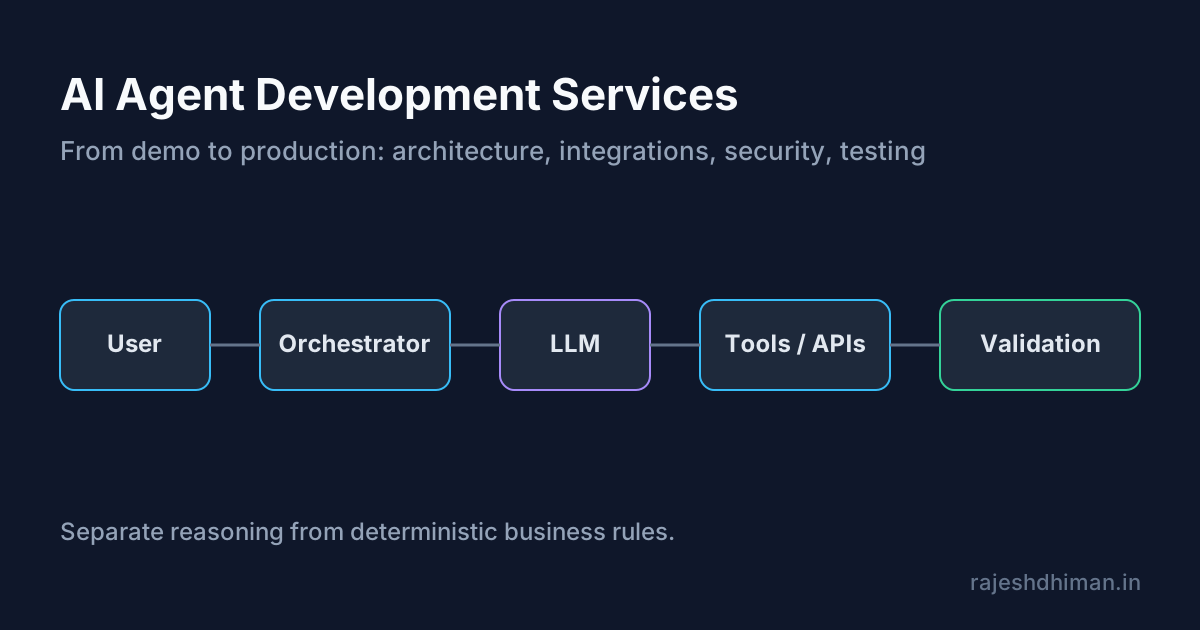
Explore AI agent development services for building reliable, production-ready AI agents. Learn about architecture, integrations, security, testing, deployment, and costs.
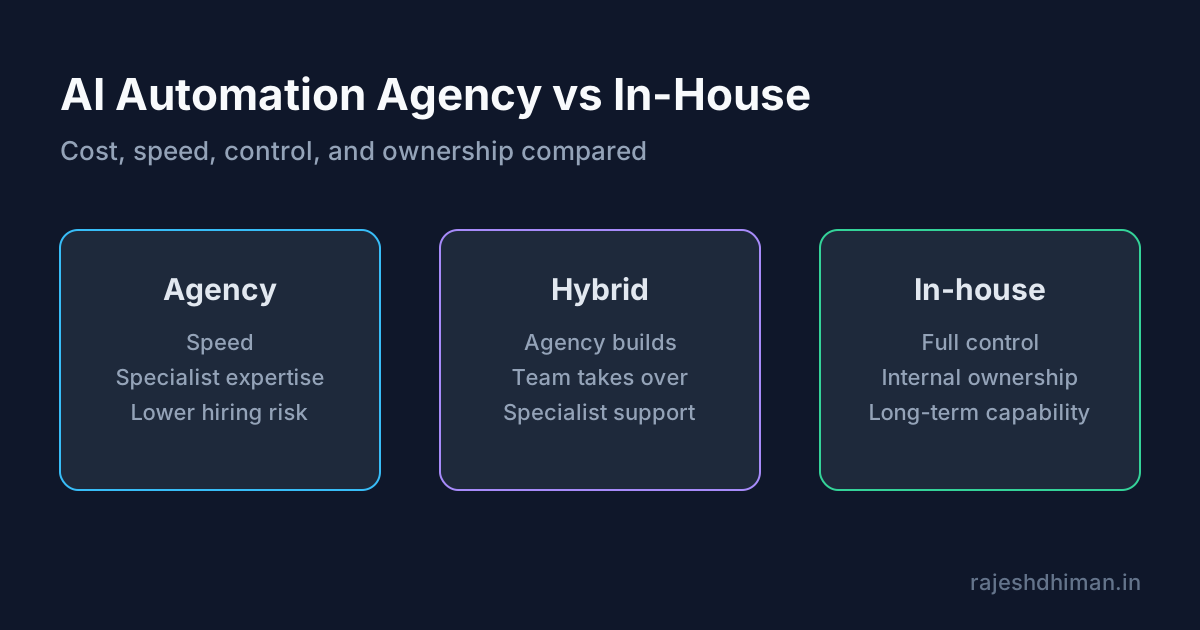
Compare an AI automation agency with in-house development. Learn about costs, services, benefits, risks, timelines, and how to choose the right approach.
Ship AI features that survive real traffic
Start from the failure modes, choose the smallest architecture that holds up, and instrument the path before you scale it.