

Building Better AI-Coded Websites: Lessons from Common Mistakes and How to Fix Them
 AI-Coded Websites Cover
AI tools are reshaping how we code — but great results still depend on good architecture and understanding.
AI-Coded Websites Cover
AI tools are reshaping how we code — but great results still depend on good architecture and understanding.
Introduction: AI Is Changing Web Development — But Not Always for the Better
In the last two years, AI-assisted coding has become mainstream. Tools like ChatGPT, Claude, Replit’s AI builder, and V0.dev let developers build complete websites in minutes.
What used to take weeks — landing pages, dashboards, portfolios — can now be generated instantly.
But speed comes with a hidden cost.
Many AI-coded websites end up generic, bloated, and insecure because developers skip the fundamentals — architecture, testing, and understanding the code they deploy.
This post explores the most common mistakes in AI-generated web projects and provides practical fixes with code examples and proven workflows.
If you’ve ever used a prompt like “Build me a SaaS landing page in Next.js”, this guide is for you.
1. Start With Strategy: Define Purpose Before You Generate
The Problem
Most developers jump straight into prompting AI without defining the website’s audience or goals.
The result? A generic site that could belong to anyone.
The Fix
Before you ask AI to generate code, define:
- Target Audience: Who are you building for?
- Core Problem: What pain point does the site solve?
- Desired Action: What do you want visitors to do (sign up, buy, contact)?
Feed this context to AI first:
Build a modern landing page for a B2B SaaS product that helps retail stores manage inventory.
Use Next.js with Tailwind CSS.
Focus on clear call-to-action, mobile responsiveness, and fast loading speed.
A clear brief ensures AI output that's actually useful.
Pro Tip: Always start your prompt with why and who, not what.
🌐 If your AI-built website is for a client rather than your own SaaS, there's a faster path. I use Webflow for client marketing sites — visually perfect, SEO-ready, and clients can update it themselves without filing a support ticket.
2. Understand the Code You Ship
AI can produce working code quickly — but that doesn't mean it's production-ready.
Developers must still read, refactor, and document it.
Example: Before
useEffect(() => {
  fetch('/api/data')
    .then(res => res.json())
    .then(setData)
    .catch(() => alert('Error!'))
}, [])
Example: After (clean, modular, testable)
import { useEffect, useState } from "react";

export const useFetch = (url) => {
  const [data, setData] = useState(null);
  const [error, setError] = useState(null);

  useEffect(() => {
    const getData = async () => {
      try {
        const res = await fetch(url);
        if (!res.ok) throw new Error('Network Error');
        const result = await res.json();
        setData(result);
      } catch (err) {
        setError(err.message);
      }
    };
    getData();
  }, [url]);

  return { data, error };
};
Think of AI-generated code as a draft, not a deliverable.
3. Plan Architecture Before Coding
AI can't infer your system's structure unless you specify it. Without architecture, you'll end up with:
index.html
index-final.html
index-final-FINAL.html
Plan your structure first:
/src
  /components
  /layouts
  /pages
  /services
  /utils
  /styles
/tests
/public
You can even guide AI to follow your plan:
Generate a Next.js project with:
- Components in /components
- Pages in /pages
- API routes in /pages/api
- Reusable logic in /utils
Include TypeScript and ESLint.
4. Add Tests from the Start
Skipping testing is one of the most common AI-code mistakes.
Example: Unit Test in Jest
// utils/calculateTotal.js
export const calculateTotal = (items) =>
  items.reduce((sum, item) => sum + item.price, 0);
// tests/calculateTotal.test.js
import { calculateTotal } from "../utils/calculateTotal";
test("calculates total price correctly", () => {
const items = [{ price: 10 }, { price: 20 }];
expect(calculateTotal(items)).toBe(30);
}); Even a single test per feature can prevent hours of debugging later.
5. Implement Real Security Practices
Security should never be "auto-generated."
AI doesn't know your deployment context — you do.
Basic Setup
# .env
DATABASE_URL=postgres://user:password@host/db
API_KEY=sk-1234xxxx
Load securely in Node:
import dotenv from "dotenv";
dotenv.config();

const apiKey = process.env.API_KEY;
Validate Inputs
import { z } from "zod";

const loginSchema = z.object({
  username: z.string().min(3),
  password: z.string().min(6),
});
Always handle authentication, validation, and data storage with care.
6. Write Authentic Content, Not Placeholders
Placeholder text like "At {{COMPANY_NAME}}, we're passionate about innovation" hurts both trust and SEO.
Ask AI to rewrite in your real voice:
Rewrite this About Us section for clarity and authenticity.
We help small businesses automate customer support using AI chatbots.
Focus on value and outcomes.
Authentic storytelling converts better than perfect grammar.
7. Design for Usability, Not Just Style
Good design balances clarity and emotion — gradients can't fix poor UX.
AI tools like V0.dev or Figma AI are great for quick layouts, but always prioritize usability.
Key principles:
- Visual hierarchy (H1 > paragraph > CTA)
- High contrast and readable fonts
- Mobile-first design
- Accessible buttons and ARIA labels
<button class="btn-primary" aria-label="Start setup">Get Started</button> Design for humans first, algorithms second.
8. Use Version Control and Document Everything
Initialize Git early:
git init
git add .
git commit -m "Initial commit"
Use descriptive commits:
feat: add login form
fix: update API endpoint
refactor: move utils
Also include:
- README.md explaining setup
- AI prompt documentation (what generated which part)
Versioning turns chaos into control.
9. Validate Links and APIs
AI often fabricates endpoints (/api/v1/swagger, /docs, etc.).
Use automated link checkers or write quick integration tests:
import request from "supertest";
import app from "../server";

test("GET /api/health should return 200", async () => {
  const res = await request(app).get("/api/health");
  expect(res.statusCode).toBe(200);
});
Catch broken paths before launch — not after users find them.
10. Track Real Metrics
Don't fake "99.9% uptime."
Use real monitoring tools:
- UptimeRobot / Pingdom → uptime checks
- Plausible / PostHog → analytics
- Mixpanel → user engagement
Example uptime check:
curl -I https://yourdomain.com Data builds trust. Fake numbers destroy it.
11. Respect Privacy and Compliance
If your site collects user data or uses cookies, comply with privacy laws (GDPR, CCPA, etc.).
Basic banner implementation:
<script>
window.addEventListener('load', function(){
  window.cookieconsent.initialise({
    palette: {
      popup: { background: "#000" },
      button: { background: "#f1d600" }
    },
    theme: "classic",
    content: {
      message: "We use cookies for analytics.",
      dismiss: "Got it!",
      link: "Learn more"
    }
  })
});
</script>
Include:
- Real privacy policy page
- Option to delete user data
- Secure cookie handling (SameSite=Strict, HttpOnly)
12. Build Incrementally — One Feature at a Time
Instead of prompting "Build me a full app", work in small chunks.
Example Workflow:
# Build header
git commit -m "Add header layout"

# Test
npm run test

# Build hero section
git commit -m "Add hero component"
You'll maintain clarity and control as the project scales.
13. Optimize for SEO from Day One
SEO isn't an afterthought — it's infrastructure.
Example Metadata:
<title>AI Automation Platform for Small Businesses</title>
<meta name="description" content="Automate customer support and workflows with our AI platform.">
<link rel="canonical" href="https://yourdomain.com/">
In Next.js:
import Head from "next/head";

<Head>
  <title>AI Workflow Platform</title>
  <meta name="description" content="Automate tasks using AI and save time."/>
</Head>
Also set up:
- Sitemap (next-sitemap)
- Open Graph meta tags
- Performance optimization (Lighthouse > 90 score)
14. Keep Learning — Don't Outsource Understanding
AI speeds up execution, not comprehension.
Ask:
- "Why did it choose this approach?"
- "Can this scale?"
- "What are the tradeoffs?"
Join communities discussing AI development to see how others debug and deploy AI-generated code responsibly.
15. Human Oversight Makes AI Work
AI is brilliant at generating patterns — not decisions.
If you don't understand a line of code, you shouldn't deploy it.
Review every PR, ensure context awareness, and treat AI as an assistant, not an engineer.
Conclusion: From AI-Coded to AI-Assisted Craftsmanship
AI can revolutionize development — if used wisely.
The best developers don't just prompt; they design, review, and refine.
When used responsibly, AI helps you:
- Launch faster
- Maintain cleaner code
- Improve user experience
- Learn as you build
When used blindly, it produces the same repetitive, broken sites we all scroll past.
Key Takeaway: AI doesn't remove the need for good engineering — it amplifies it.
Real progress happens when human understanding meets AI efficiency.
Recommended Tools
| Category | Tools |
|---|---|
| Code Review | ChatGPT Code Interpreter, GitHub Copilot Chat |
| Testing | Jest, Playwright, Cypress |
| Security | Helmet (Express), Zod, Dotenv |
| Analytics | PostHog, Plausible, Google Analytics |
| SEO | next-sitemap, Ahrefs Webmaster Tools |
| Version Control | GitHub, GitLab |
Author: Rajesh Dhiman
Full-Stack Developer | AI & Automation Specialist | Author | Creator of ai-agent-flow
Vibe Coding Survival Guide
How to Ship AI-Assisted Code That Doesn't Embarrass You in Production
A production-minded guide for developers, founders, and teams using AI coding tools without letting brittle generated code reach customers.
If you found this article helpful, consider buying me a coffee to support more content like this.
Related Articles
Thinking of moving a Bubble app to Next.js? Here is when it makes sense, the migration steps, what drives cost and timeline, and the risks to plan for.
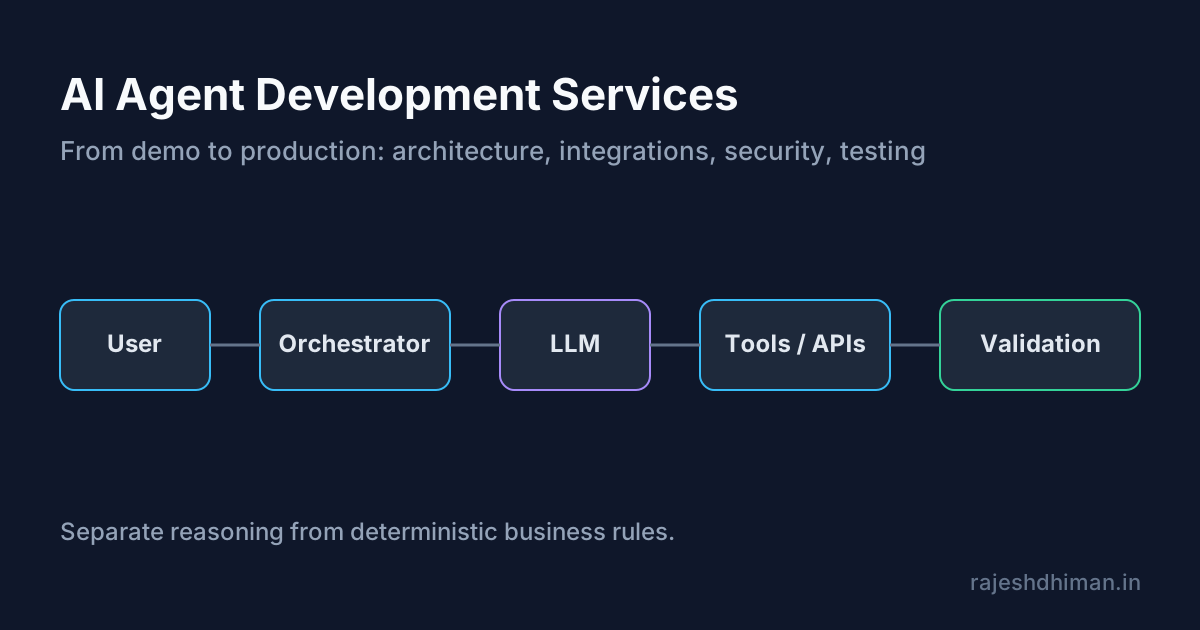
Explore AI agent development services for building reliable, production-ready AI agents. Learn about architecture, integrations, security, testing, deployment, and costs.
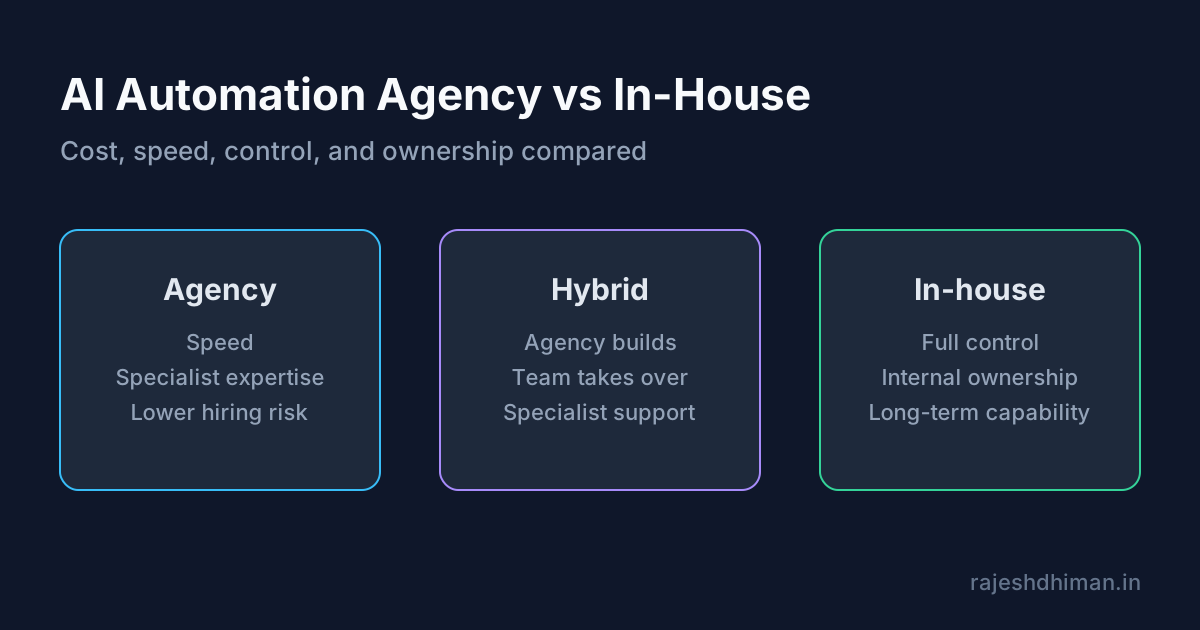
Compare an AI automation agency with in-house development. Learn about costs, services, benefits, risks, timelines, and how to choose the right approach.
Vibe Coding Survival Guide
How to Ship AI-Assisted Code That Doesn't Embarrass You in Production
A production-minded guide for developers, founders, and teams using AI coding tools without letting brittle generated code reach customers.