

10 Rarely Used HTML Tags You Should Start Using Today
Introduction: Unlock Hidden HTML Powers
Unlock the potential of HTML with ten special tags that go beyond the usual <div> and <span>. These hidden gems can elevate your web projects by adding unique functionality and improving your site’s structure and accessibility.
Explore these tags in action on CodePen.
Why Use These Lesser-Known Tags?
Using these specific HTML tags instead of generic ones like <div> or <span> has several benefits:
- Semantic Clarity: They provide clearer meaning to both the browser and the developer, making the code easier to read and maintain.
- Accessibility Improvements: Properly used, these tags make web content more accessible to people using assistive technologies.
- Enhanced Functionality: Many of these tags come with built-in behaviors that can simplify the implementation of common web features.
- Better SEO: Using semantically correct tags can help improve your website’s SEO by giving search engines more context about your content.
Explore These Powerful HTML Tags
-
<dialog>: Create modals easily- Usage: Click the “Open Dialog” button to see the dialog pop up. You can close it by clicking the “Close” button inside the dialog.
- Example:
<dialog id="welcomeDialog">
  <p>Welcome to our website!</p>
  <button onclick="document.getElementById('welcomeDialog').close()">Close</button>
</dialog>
-
<progress>: Show task progress- Usage: Demonstrates a progress bar which you can visually style with CSS to fit your design needs.
- Example:
<progress id="fileLoadProgress" value="32" max="100"></progress>
-
<meter>: Display measurements- Usage: Shows how the meter element can be used to display measurements like disk usage.
- Example:
<meter min="0" max="100" value="60"></meter>
-
<details>and<summary>: Provide expandable information- Usage: Click on the “Click to see more details” to expand and view additional information.
- Example:
<details>
  <summary>See more details</summary>
  <p>Here you can see more information.</p>
</details>
-
<data>: Link visible text to machine-readable data- Example:
<ul>
  <li><data value="21053">Item One</data></li>
</ul>
- Example:
-
<time>: Specify dates and times- Example:
<time datetime="2023-10-01">October 1, 2023</time>
- Example:
-
<output>: Show results of calculations- Usage: Adjust the range and number inputs to see how the output changes dynamically.
- Example:
<form oninput="result.value=parseInt(a.value)+parseInt(b.value)">
  <input type="range" id="a" value="50"> +
  <input type="number" id="b" value="50">
  Output: <output name="result" for="a b">100</output>
</form>
-
<mark>: Highlight important text- Example:
<p>The <mark>important</mark> part is highlighted.</p>
- Example:
-
<figure>and<figcaption>: Add images with captions- Usage: Provides a way to group images with captions in a semantically meaningful way.
- Example:
<figure>
  <img src="photo.jpg" alt="A beautiful landscape">
  <figcaption>This is a caption for the landscape.</figcaption>
</figure>
-
<kbd>: Indicate keyboard input- Example:
<p>Press <kbd>Ctrl</kbd> + <kbd>C</kbd> to copy text.</p>
- Example:
Conclusion: Expand Your HTML Toolkit
By incorporating these tags into your HTML toolkit, you not only enhance the functionality and accessibility of your sites but also improve their structural semantics. Start using these tags to make your web pages stand out and provide a better user experience.
Final Thought
Are you ready to explore the full capabilities of HTML? Integrate these tags into your projects and see the immediate benefits they bring to your web development process.
If you enjoyed this article, consider supporting my work:
Ship AI features that survive real traffic
Start from the failure modes, choose the smallest architecture that holds up, and instrument the path before you scale it.
If you found this article helpful, consider buying me a coffee to support more content like this.
Related Articles

Learn when to use useState, useReducer, and useRef for state management in React applications. Discover the best practices and use cases for each React hook to manage state effectively.
Learn how to improve JavaScript error handling by enforcing ESLint rules that enhance code quality and readability. Discover best practices for error handling and how to set up ESLint for enforcing these practices.
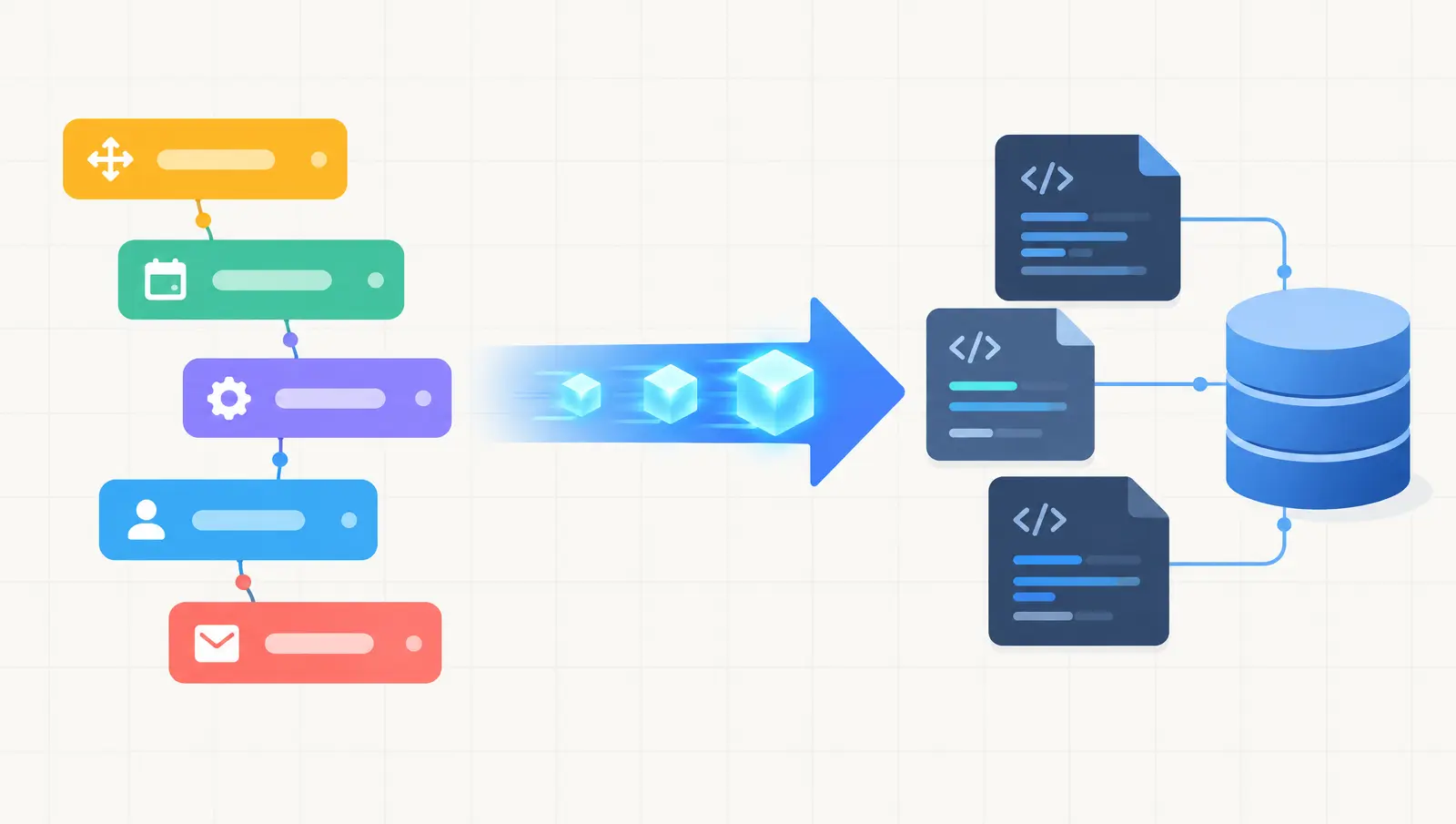
Thinking of moving a Bubble app to Next.js? Here is when it makes sense, the migration steps, what drives cost and timeline, and the risks to plan for.
Ship AI features that survive real traffic
Start from the failure modes, choose the smallest architecture that holds up, and instrument the path before you scale it.