

Migrating a Bubble App to Next.js: When, How, Cost and Risk
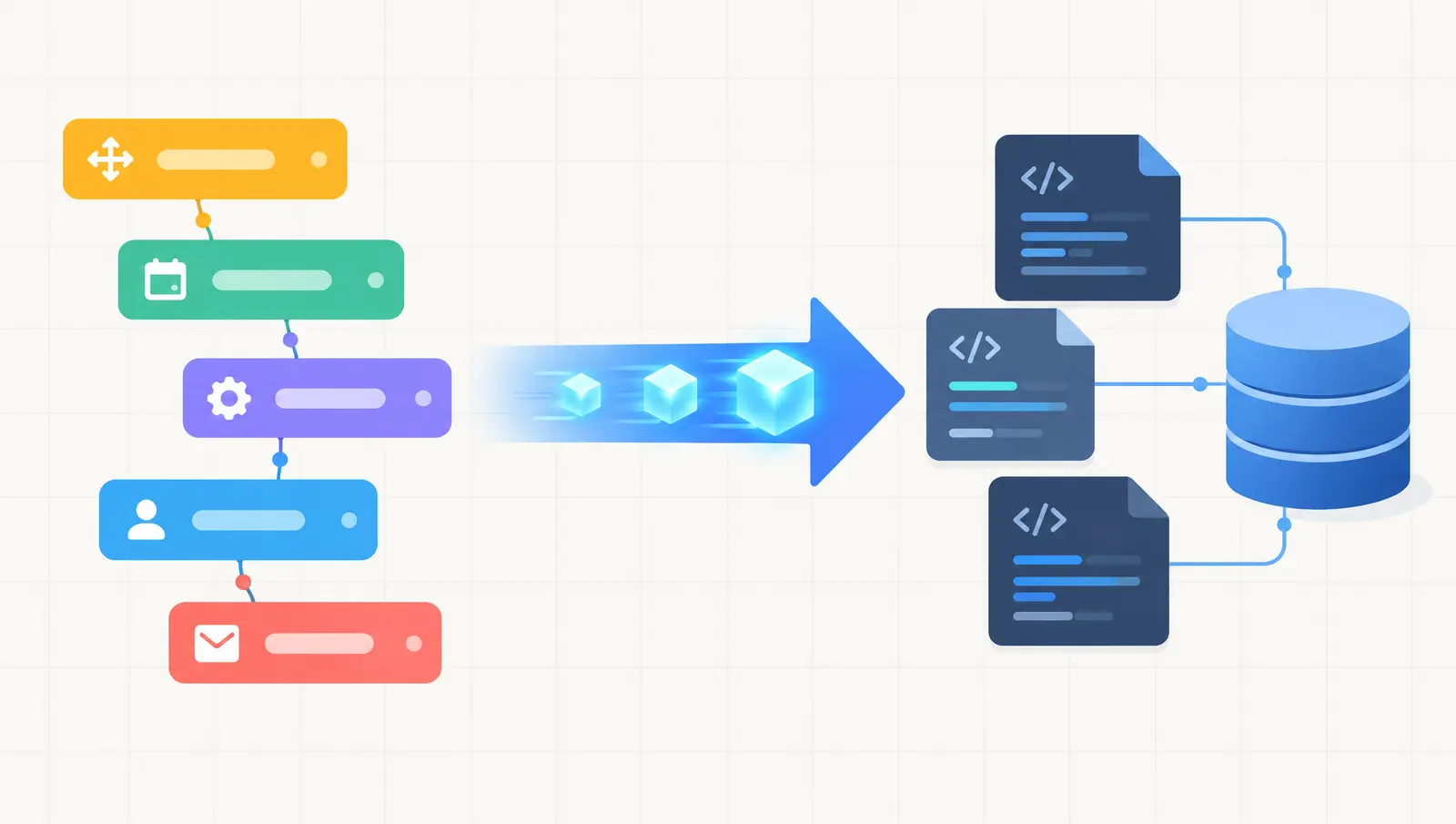
Migrating a Bubble app to Next.js means rebuilding it as a normal codebase: you export your data, recreate the screens in React, rewrite each visual workflow as server code, move users to a new login system, and switch traffic over once the new app matches the old one. It is a rebuild guided by a working product, which is why it is slower and riskier than it looks. Done well, you keep your users and your data and gain a codebase you own.
Before you commit, it is worth checking whether you need a migration at all. My Bubble audit checklist covers the cheaper fixes first. If the audit points to the platform as the limit, read on. For the general version of this topic across all no-code tools, see the no-code to custom code migration guide.
When Should You Move a Bubble App to Next.js?
Move when the platform, not your app design, is what blocks you. Slow pages and a big bill are not enough on their own, because both can come from fixable problems inside Bubble.
Bubble meters your app in workload units, which it describes as a measure of server processing used by queries, workflows and API connections. Its pricing page lists plans from Free (50K units a month) through Starter (175K), Growth (250K) and Team (500K), plus a custom Enterprise tier, and says you can either buy a workload tier or pay overages as you go. Costs that rise with traffic are a normal reason to look at alternatives, but only after you know which workflows are burning the units.
Reasons that justify a migration include:
- You need backend behavior Bubble cannot express cleanly, such as long-running jobs, custom queues or heavy data processing.
- You need control over hosting, data location or compliance that the platform does not give you.
- Investors or acquirers want to see a codebase.
- Your usage cost keeps climbing and an audit shows you cannot bring it down in place.
- You need a public site with fine control over SEO, rendering and performance.
Reasons to hold off include a clean data model with a few slow pages, a small team with no engineer to maintain code, and an app that still changes weekly, since every product change then has to be built twice during the migration.
{/* ADD: first-hand example of a team that moved, or chose to stay, and what decided it */}
Fix in Place or Migrate? A Quick Comparison
| Question | Fix in Bubble | Migrate to Next.js |
|---|---|---|
| Main problem | A few slow searches, messy data types, heavy workflows | Platform limits on logic, hosting, compliance or cost |
| Typical effort | Days to a few weeks of targeted work | Weeks to months, depending on app size |
| Risk to users | Low | Medium to high around auth and data |
| What you end up with | Same app, running better | A codebase and database you own |
| Ongoing need | Bubble builder skills | Developers who can maintain code |
If you are not sure which column you are in, a short technical review settles it faster than debate. That is what an AI code rescue audit is for, and the same logic applies to other fast-built apps, as I describe in stabilizing an app without a full rebuild.
How Does a Bubble to Next.js Migration Work?
The sequence below is the one most migration guides converge on. Brilworks publishes a similar eight-step breakdown, and I have adjusted the order to reflect how I would approach it.
1. Inventory what you actually have
List every data type, page, workflow, plugin, API connection and privacy rule. This is the step teams skip, and it is where surprises come from later. Visual workflows hide conditional branches that are easy to miss, so walk through each one and write down what it does in plain language.
2. Export your data and design the new schema
Bubble lets you export data from the App data tab as CSV, JSON or NDJSON, and it emails you a download link when the export finishes. Its export docs note that exports share a scheduler with API workflows, so a busy app may wait in the queue. They also flag a quirk: date interval fields are stored as milliseconds but exported as descriptive text, so convert them carefully.
Bubble also offers a Data API that is off by default. You enable it in Settings and choose which data types to expose, and access follows the privacy rules on each type. It is useful for pulling data repeatedly during a parallel run, not just once.
Then map Bubble's data types onto a relational schema, for example in PostgreSQL. Bubble lets one thing hold a list of other things, which becomes a join table in a relational database. Duplicates and orphaned records that Bubble tolerated will show up here, so plan time for cleanup.
3. Rebuild the interface in Next.js
Use the Bubble app as a living spec. Recreate pages and components in React and keep loading, empty and error states in mind, because Bubble handled many of those by default and a hand-built app does not. Server components can render public, SEO-sensitive pages on the server, which is one of the practical gains of moving. If that is a priority, my post on Webflow vs Next.js for client projects covers the rendering trade-offs.
4. Turn visual workflows into server code
Each workflow becomes an API route, a background job or a service function. This is usually the highest-risk step, because the logic is the business. Write tests for the behavior of each workflow before you rewrite it, then check the new code against those tests.
5. Migrate authentication
Choose a managed provider or your own auth, import user records, and decide how existing users sign in on day one. Brilworks notes that Bubble password hashes cannot be exported, so expect a forced reset, a lazy migration or a magic-link flow. Test this with real accounts well before launch.
6. Rebuild privacy rules as server-side checks
Bubble privacy rules decide who can see which data. In a new stack they become authorization checks in your API layer or row-level security in the database. Missing one can expose data, so treat this as a security task, not a cleanup task.
7. Run both apps in parallel, then cut over
Keep Bubble live while the new app runs against a copy of production data. Compare outputs, fix gaps, then switch traffic in phases if you can. Keep Bubble available for a defined period after cutover as a fallback.
{/* ADD: first-hand example of a cutover plan or a gap found during the parallel run */}
How Much Does a Bubble to Next.js Migration Cost?
Cost follows scope, and anyone quoting a flat number without looking at your app is guessing. The main drivers are the number of workflows, how much data cleanup the export needs, plugin replacement, auth migration, interface complexity and how much parallel testing you want.
Published ranges vary widely and say little about your app, so I do not quote one here. Ask any provider to break their quote down by those drivers, and compare quotes on scope rather than on the total. For how I think about audit and repair costs, see what an AI MVP audit and repair costs.
Do not forget the running costs on both sides. During the parallel period you pay for Bubble and for the new hosting and database. After cutover, you take on hosting, monitoring and maintenance that Bubble used to cover.
What Are the Biggest Risks of Leaving Bubble?
The risks are mostly about missing things, not about Next.js.
| Risk | What goes wrong | How to reduce it |
|---|---|---|
| Missed business logic | A conditional branch in a workflow is not rebuilt | Document every workflow first, test behavior, run in parallel |
| Broken relationships | Lists of things import as flat or orphaned data | Map every relation, then check record counts and sample records after import |
| Auth problems at launch | Users cannot sign in after cutover | Test the reset or magic-link flow with real accounts, announce it in advance |
| Missing privacy rules | Users see data they should not | Rebuild each rule as a server check and test it per role |
| Plugin dependencies | A plugin has no direct replacement | List plugins early and find an SDK or API for each |
| Scope creep | Team adds features while rebuilding | Freeze scope to parity with the current app |
Is There a Lower-Risk Way to Migrate?
Yes: migrate in slices instead of all at once. Move one self-contained part first, for example the public marketing pages or a reporting dashboard, while the core app stays on Bubble. You learn the data export and auth problems on something small, and users never face a single big switch. Not every app splits cleanly, but many do, and it is worth asking before you plan a big-bang rebuild.
Ready to Decide?
If you are weighing a migration, the most useful first step is an audit of what you have and what is actually causing the pain. I can review your Bubble app, tell you whether to fix or move, and scope the work if you move. Book a conversation or read about the AI code rescue service.
Frequently asked questions
Can you migrate a Bubble app to Next.js?
Yes, but it is a rebuild, not a conversion. Bubble does not export your pages or workflows as code. You can export your data as CSV, JSON or NDJSON, then recreate the interface in Next.js and rewrite each visual workflow as server code.
How long does a Bubble to Next.js migration take?
It depends on the number of pages, workflows, integrations and how messy the exported data is. A small app can take weeks and a complex one months, and keeping Bubble running in parallel adds time. Get a scoped estimate for your own app rather than trusting a generic number.
Do I lose my users and passwords when I leave Bubble?
You can export user records, but the same vendor notes that Bubble password hashes cannot be exported. Plan for a forced password reset, a lazy migration where users set a new password at next login, or an email-link sign-in, and tell your users before cutover.
Should I fix my Bubble app or migrate it?
Audit first. If the slowness comes from a few badly modelled data types or expensive workflows, fixing them in place is usually cheaper than a migration. Migrate when the platform itself is the constraint, for example you need custom backend logic, a real codebase for investors, or cost per user that keeps climbing.
Stuck on a web app, automation, or AI project?
Fifteen minutes, free. You describe the blocker, I tell you what I would fix first. No deck, no pitch — and if I am not the right fit, I will say so.
Book Your Free 15-Min Strategy CallRelated to: Migrating a Bubble App to Next.js: When, How, Cost and RiskIf you found this article helpful, consider buying me a coffee to support more content like this.
Related Articles
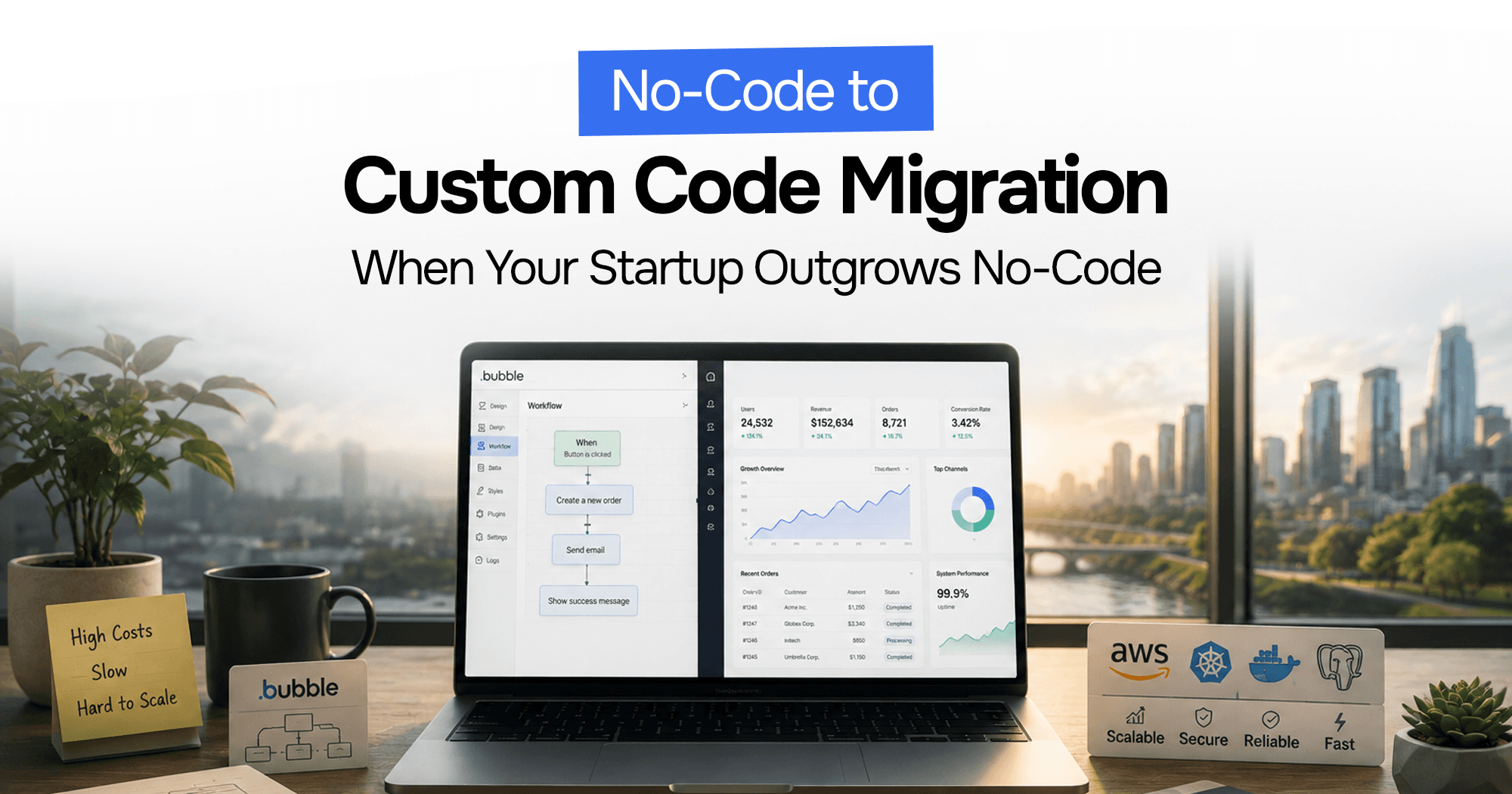
Your Bubble.io app is hitting walls — slow queries, $10K/month bills, investors asking for a real codebase. Here's the complete process for migrating from no-code to custom code without losing data or going dark.

A practical checklist for auditing a struggling Bubble.io app, performance, data structure, workflows, and when it's time to move off Bubble entirely.
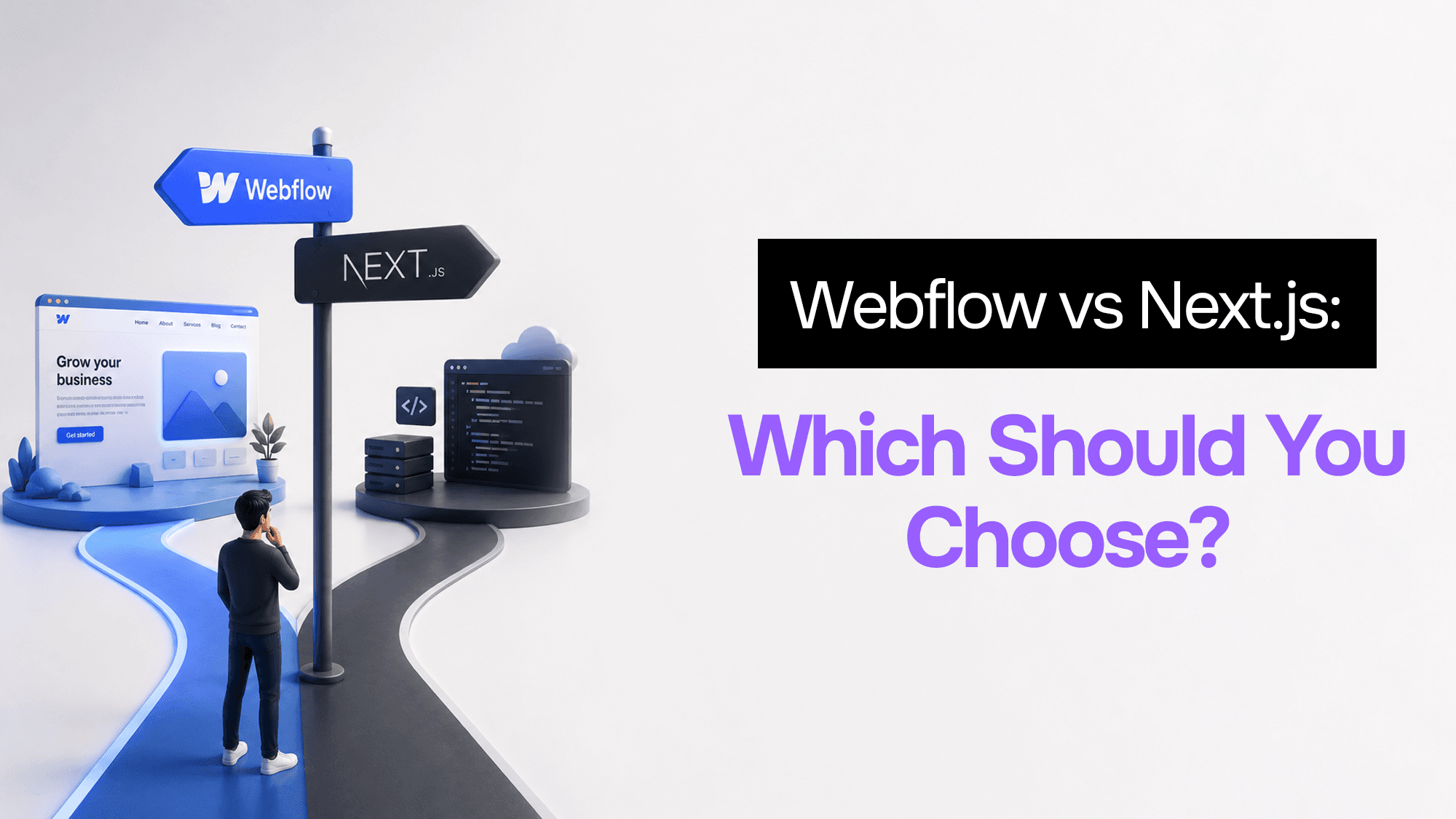
After building dozens of client projects in both, here's the exact framework I use to pick between Webflow and Next.js — and why the answer is almost never obvious.
Stuck on a web app, automation, or AI project?
Fifteen minutes, free. You describe the blocker, I tell you what I would fix first. No deck, no pitch — and if I am not the right fit, I will say so.
Book Your Free 15-Min Strategy CallRelated to: Migrating a Bubble App to Next.js: When, How, Cost and Risk