

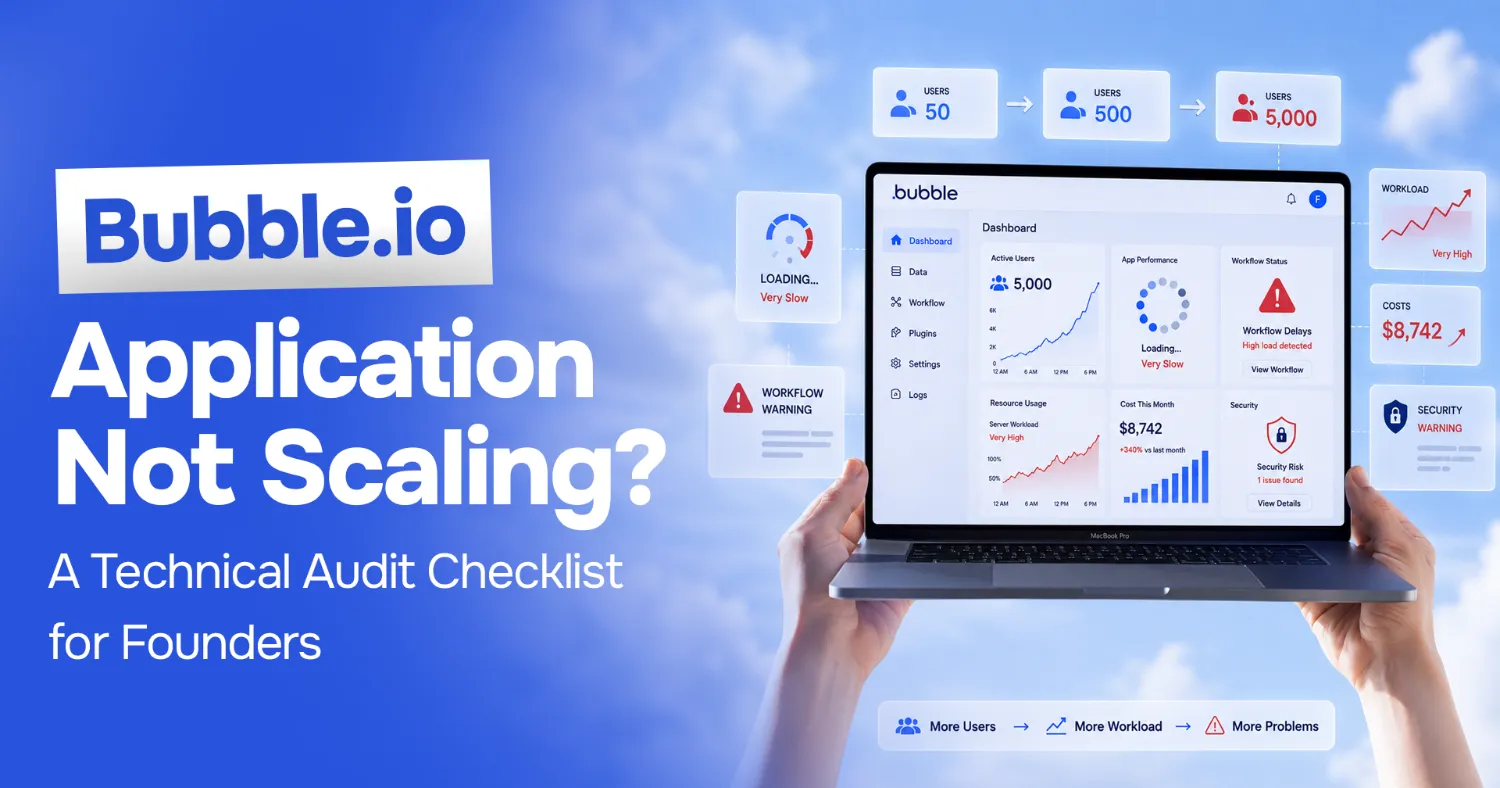
Bubble.io App Not Scaling? A Technical Audit Checklist for Founders
Your Bubble app worked beautifully at 50 users. Now you have 5,000, and pages take eight seconds to load, workflows time out mid-checkout, and every new feature seems to break two old ones. You are not imagining it, and you are not doing anything wrong. You have hit the point where a prototype has to become a system.
I rescue apps like this for a living. A recent one was a Series-A FinTech whose document-analysis MVP was painfully slow and full of security gaps. The team physically could not ship without creating new bugs. The fix was not "rewrite everything." It was a structured audit, then targeted remediation. This checklist is that audit, adapted for Bubble.
Work through it honestly before you spend money on a rebuild or a migration. Most of the time, the problem is narrower than it feels.
Why Do Bubble Apps Hit a Wall?
Bubble is genuinely good technology. It gets you from idea to working product faster than almost anything else. But that speed comes from trade-offs that stay invisible until you scale.
Bubble runs your workflows on shared infrastructure and meters them as "workload units." Logic that was free-feeling at low volume starts costing real money and real latency as traffic grows. Its database is convenient but easy to model badly: there are no foreign keys forcing you to keep data clean, so duplication creeps in. And because building is so fast, complexity accumulates faster than anyone documents it.
None of this means Bubble was the wrong choice. It means the thing that made you fast early is now the thing slowing you down. The job of an audit is to find exactly where, so you fix the three things that matter instead of nervously rewriting everything.
What Should a Bubble Audit Check? The 7 Points
Run each of these against your own app. For every point there is a symptom to look for and a picture of what "healthy" actually looks like, so you can tell the difference between a real problem and a false alarm.
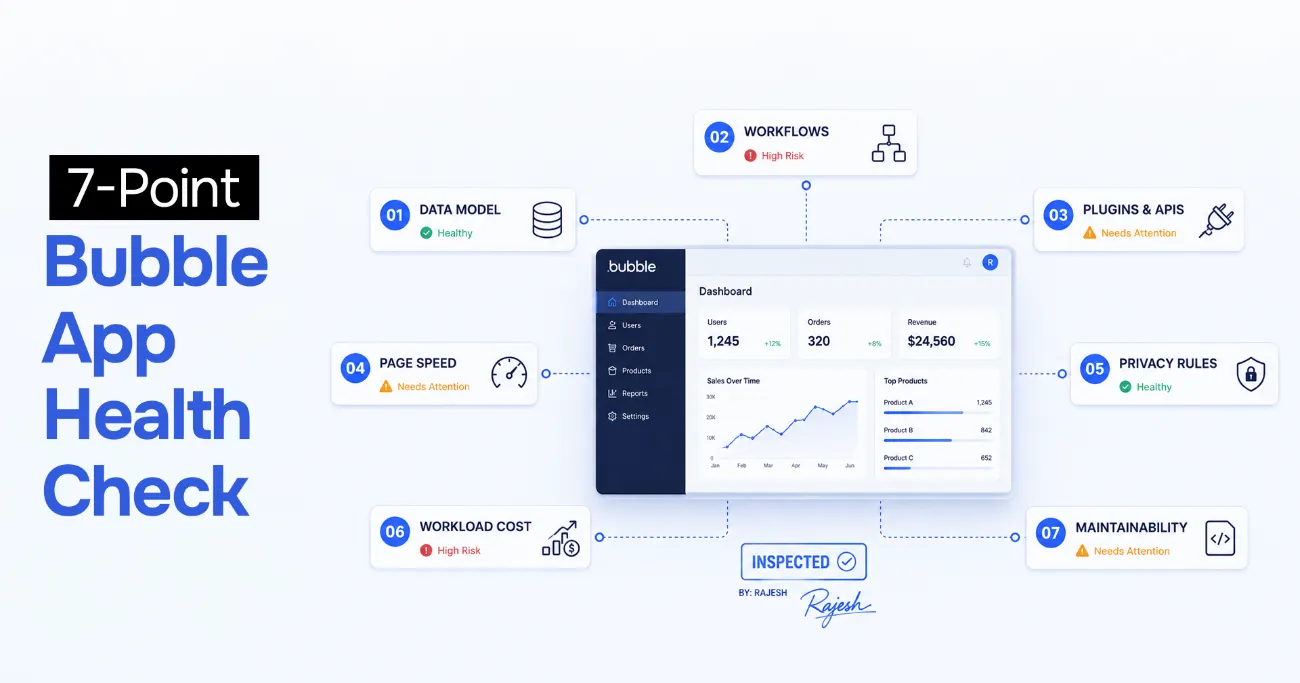 7-point Bubble app health check: data model, workflows, plugins and APIs, page speed, privacy rules, workload cost, and maintainability
1. Is Your Data Model Clean and Indexed?
Open your data types and ask: is the same information stored in more than one place? A classic Bubble anti-pattern is copying fields between data types "to make the page load faster," which then drift out of sync. Look for data types with dozens of fields, option sets used where a proper data type belongs, and searches that scan large tables without constraints. Unindexed, unfiltered searches over big datasets are the single most common cause of slow Bubble pages.
Concretely: a dashboard that runs a "Search for Orders" with no constraint and then filters the results on the page will crawl once you pass a few thousand rows. The fix is to constrain the search on the server so it only ever returns what the view needs. Good looks like: each data type has a clear purpose, minimal duplicated fields, and every list is backed by a constrained, paginated search rather than "load everything, filter later."
2. Are Your Workflows Doing Too Much?
Find your heaviest workflows, the ones with ten, fifteen, twenty actions chained together, especially any triggered on page load or on every input change. Each action is workload and latency. Ask whether the work needs to happen synchronously while the user waits, or whether it can move to a backend workflow (API workflow) running out of band. Long client-side workflows are where "the app feels frozen" comes from.
For example, a "submit order" workflow that also sends three emails, updates five related records, and calls an external API forces the user to wait for all of it before the screen responds. Move the non-urgent parts to a backend workflow that runs after the confirmation. Good looks like: user-facing workflows do the minimum needed to confirm the action, and everything else happens asynchronously in the background.
3. How Risky Are Your Plugins and APIs?
List every third-party plugin and external API your app depends on. For each, answer one question: what happens to my product if this breaks or is discontinued tomorrow? Abandoned plugins are a real Bubble risk: a plugin that stops being maintained can block a Bubble version upgrade or silently fail after a platform change. Concentrated dependency on a single unmaintained plugin is a liability you want to find now, not during an outage.
For example, if your entire payment flow rides on one community-built plugin with a single maintainer and no updates in a year, that is a single point of failure sitting directly on your revenue. Good looks like: business-critical paths use well-maintained or official plugins, and you have a documented fallback for anything you truly cannot afford to lose.
4. Why Are Your Pages Loading Slowly?
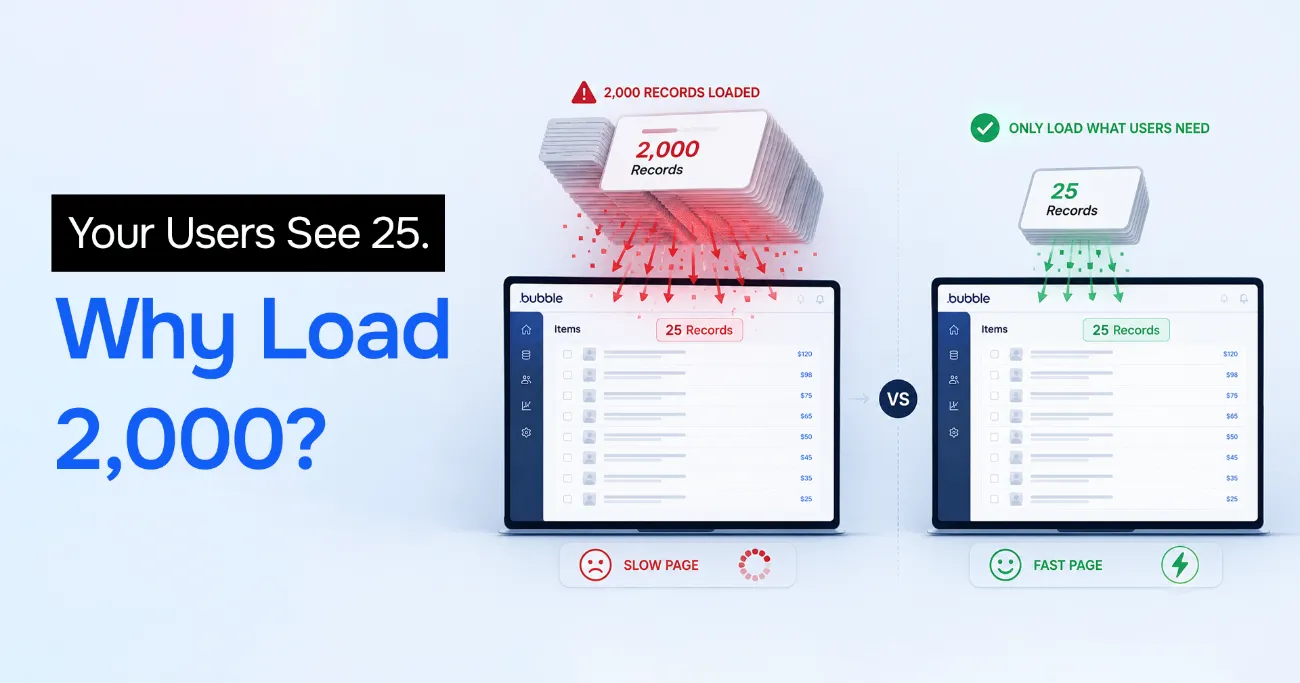 A Bubble page that loads 2,000 records to show only 25, versus loading just what users need for a fast page
Look at your most-visited pages in the browser's network tab. The usual culprits: repeating groups loading thousands of rows when they only display twenty, nested conditional logic evaluating on every render, and full-size images served without compression. Bubble will happily render all of it. Pagination, "load more" patterns, and constraining searches at the source usually recover most of the lost time.
For example, a repeating group set to "full list" that loads 2,000 records just to show the first 25 is pure waste. The user pays for 1,975 rows they never see. Good looks like: lists are paginated or capped, images are compressed and sized to their display dimensions, and heavy conditional logic is simplified so the page paints quickly.
5. Are Your Privacy Rules Actually Secure?
This is the one founders skip and regret. In Bubble, privacy rules are your security. If they are not configured correctly, data that looks hidden in the UI is often fully readable through the API. Check that every data type with sensitive information has privacy rules that restrict access by user, that no admin-only action is reachable by a normal account, and that API keys and secrets are not exposed to the client. Test it. Do not assume.
For example, an admin dashboard "hidden" only by the fact that nobody links to the page is not hidden at all if the underlying data type is readable through the Data API. Anyone who guesses the endpoint can read it. Good looks like: privacy rules deny by default and grant access per user, and you have actually checked that the Data API returns nothing you would not hand to a stranger.
6. Where Is Your Workload Cost Heading?
Bubble prices on workload units, and that cost scales with usage, not with a flat seat count. Pull your workload consumption and model it forward: if you triple your users, what does the bill look like? There is a crossover point where an inefficient app on Bubble becomes more expensive per month than the engineering cost of fixing it. Knowing where that point sits turns "should we move off Bubble" from a gut feeling into a number. Bubble documents how workload units work in their own workload guide. Read it against your real usage.
For example, an unconstrained search that runs on every page load quietly burns workload on traffic you have not even started monetizing, and that burn grows linearly with every new user. Good looks like: you know your rough cost per active user and where that curve crosses the cost of fixing the inefficiency or moving the workload elsewhere.
7. Can Anyone but the Original Builder Maintain It?
Ask the uncomfortable question: if the person who built this app left tomorrow, could anyone else safely change it? Bubble apps often live entirely in one builder's head. No documentation, no naming conventions, no notes on why a workflow is structured the way it is. That is a scaling problem even if the tech performs fine, because your ability to ship depends on one irreplaceable person. Fundraising due diligence will surface this too.
For example, if onboarding a second developer means weeks of reverse-engineering undocumented workflows before they can safely touch anything, that is fragility disguised as speed. Good looks like: consistent naming, short notes on the non-obvious workflows, and at least one other person who can ship a change without breaking something they did not know existed.
Should You Fix in Place or Migrate Off Bubble?
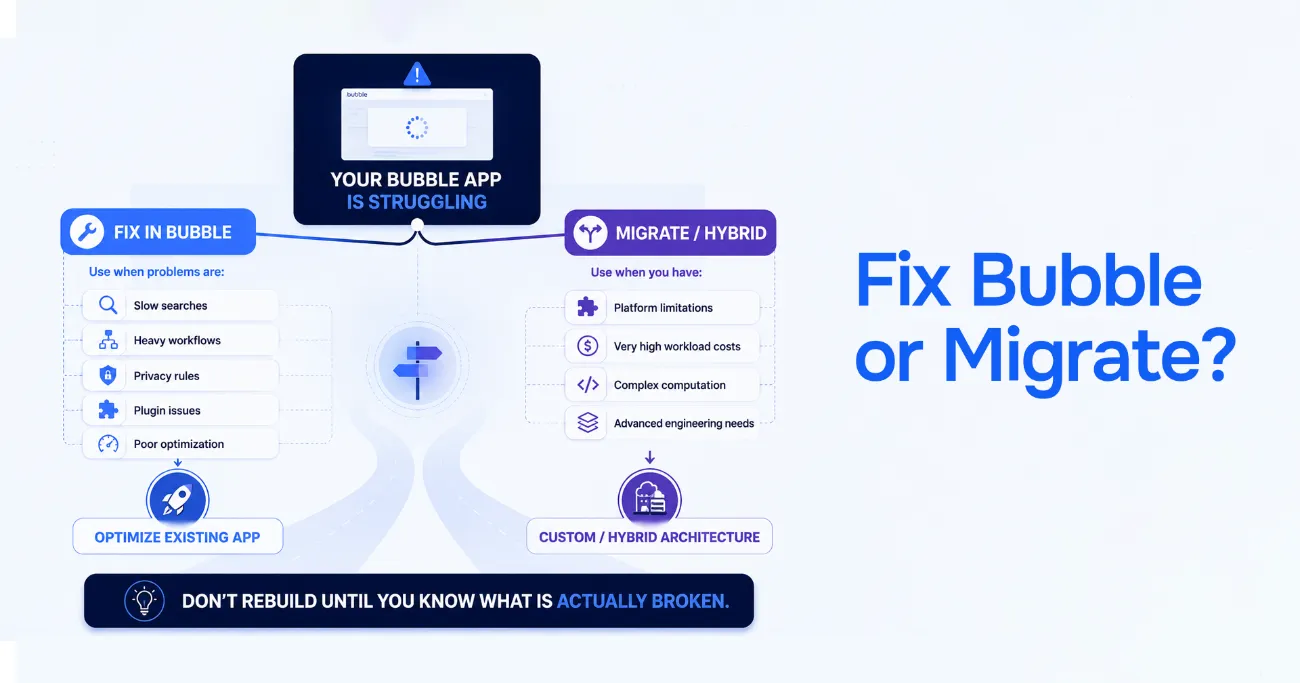 Fix in Bubble versus migrate: fix in place for slow searches, heavy workflows, and plugin issues; migrate or go hybrid for platform limits, high workload costs, and complex computation
The honest answer is that most apps should be fixed in place, not migrated. Migration is expensive, risky, and frequently sold to founders who did not need it.
Fix in place when your problems are the ones above, inefficient searches, bloated workflows, missing indexes, weak privacy rules. These are Bubble-native problems with Bubble-native solutions, and the app is fundamentally fine.
Consider migrating only when you hit structural ceilings the platform cannot move past: you need real-time features or computation Bubble cannot express, your workload-unit costs have crossed the line where custom infrastructure is genuinely cheaper, you are raising a round where investors will scrutinize the stack, or you need engineering practices (proper testing, versioning, CI) that a visual builder cannot give you.
Even then, migration is rarely all-or-nothing. Often the right move is to lift the heaviest, most security-sensitive piece off Bubble into a small custom service, and leave the rest where it works. Anyone who tells you to always migrate is selling a rebuild, not solving your problem.
What Does a Professional Bubble Audit Look Like?
When I run an AI code rescue or app audit, the shape is the same whether the app is Bubble, a vibe-coded Next.js MVP, or something in between. It starts with a short discovery call to understand what is actually breaking and what "working" would mean for you. Then a full audit against exactly the seven points above, with findings ranked by severity and effort, not a wall of everything wrong, but a prioritized list of what to fix first. Finally a remediation plan you can act on, whether that is me doing the work, your team doing it with the plan as a map, or a staged mix of both.
The goal of an audit is not to make you feel bad about your app. It is to replace anxiety with a concrete, ordered list.
What Did a Real Rescue Look Like?
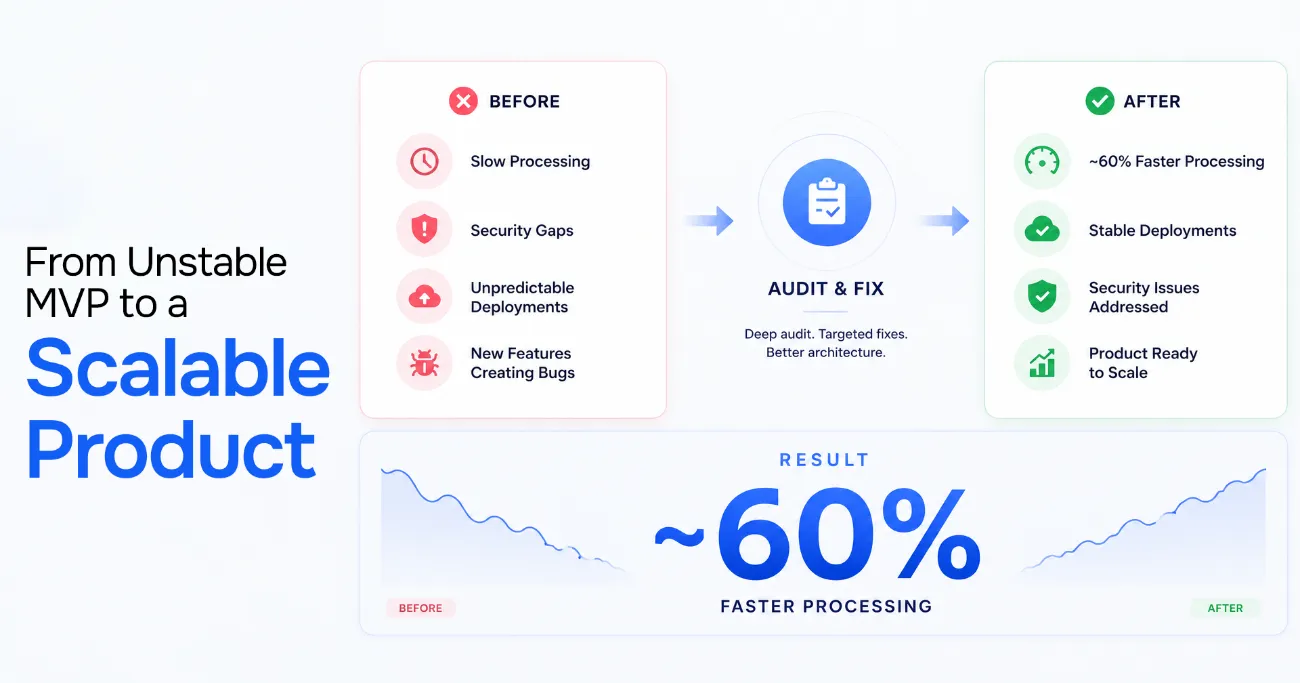 From unstable MVP to a scalable product: after a deep audit and targeted fixes, roughly 60% faster processing, stable deployments, and security issues addressed
The FinTech I mentioned is a fair parallel even though it was not built in Bubble. The failure mode was identical to what over-scaled no-code apps hit. A fast-built MVP had become slow and insecure, and the team was stuck: they could not add features without introducing bugs, and they could not fix bugs without risking the features. The audit isolated the real problems (parsing bottlenecks, missing tests, security gaps) instead of assuming the whole thing needed replacing. After targeted remediation, document processing times dropped by roughly 60%, deployments became predictable, and the founders used that stability to close their next round. You can read the full case study here.
Where Should You Start?
If this checklist raised more questions than it answered, that is normal. It is meant to. The fastest way to turn it into an action plan is to talk through your specific app.
Book a free 15-minute strategy call and we will figure out whether your Bubble app needs a tune-up or something bigger.
If you would rather start on your own, the free Vibe Coding Survival Guide companion checklist covers the debugging and stabilization habits that keep fast-built apps from breaking in the first place, a lower-commitment place to begin.
Stuck on a web app, automation, or AI project?
Fifteen minutes, free. You describe the blocker, I tell you what I would fix first. No deck, no pitch — and if I am not the right fit, I will say so.
Book Your Free 15-Min Strategy CallRelated to: Bubble.io App Not Scaling? A Technical Audit Checklist for FoundersIf you found this article helpful, consider buying me a coffee to support more content like this.
Related Articles
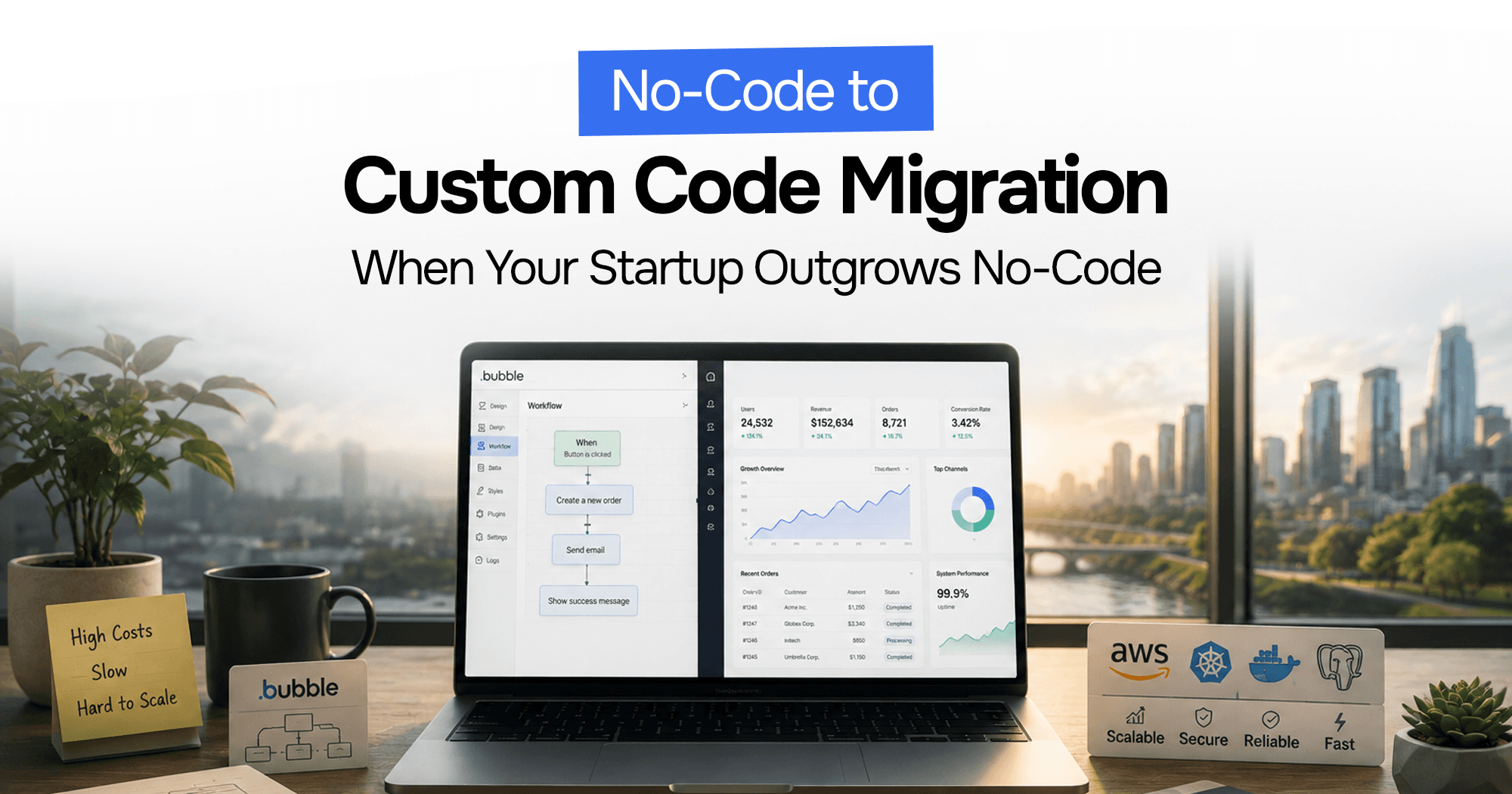
Your Bubble.io app is hitting walls — slow queries, $10K/month bills, investors asking for a real codebase. Here's the complete process for migrating from no-code to custom code without losing data or going dark.
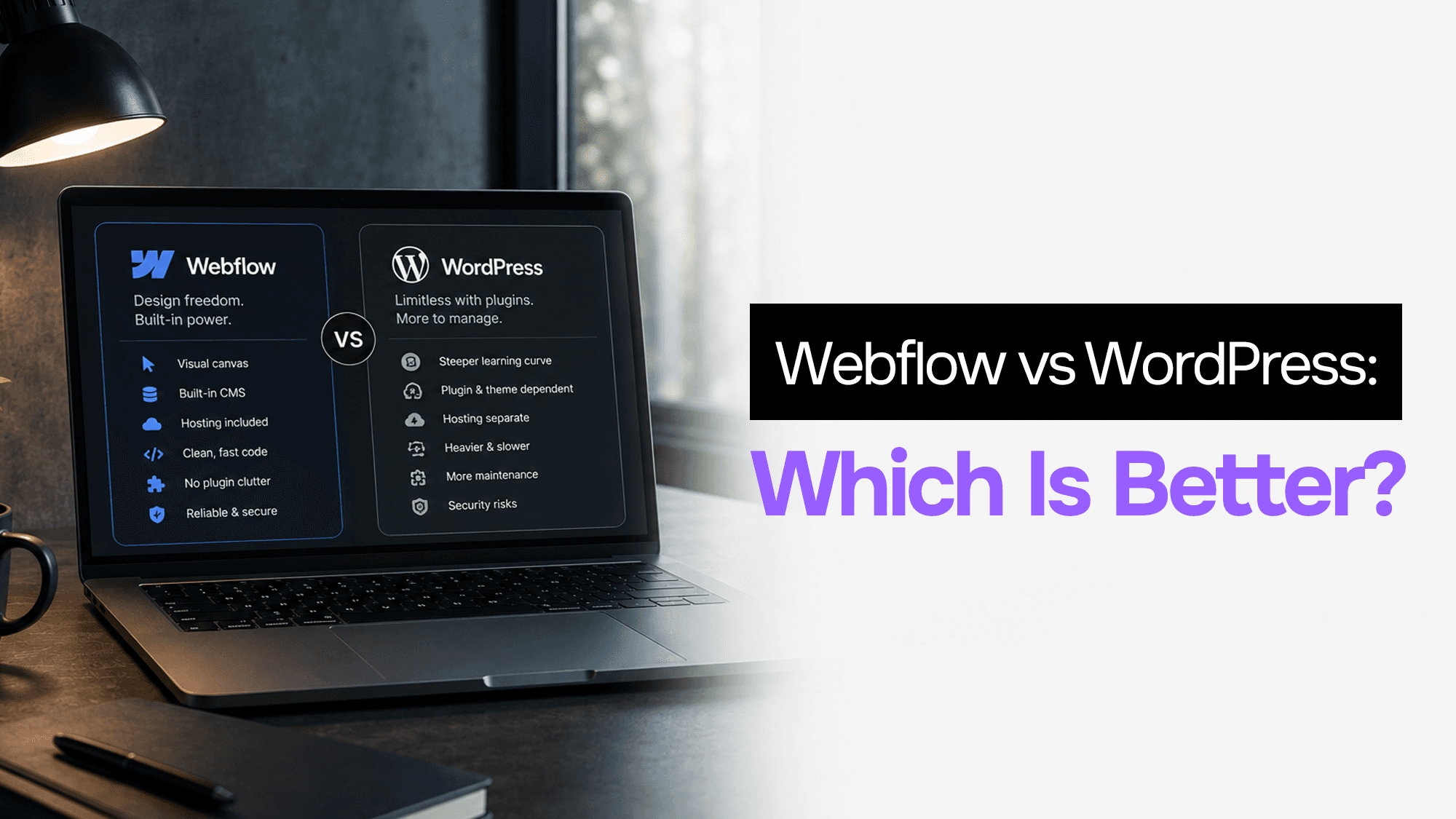
WordPress still powers 43% of the web. Webflow is growing fast. After building client projects in both, here's what actually matters when choosing between them in 2026.
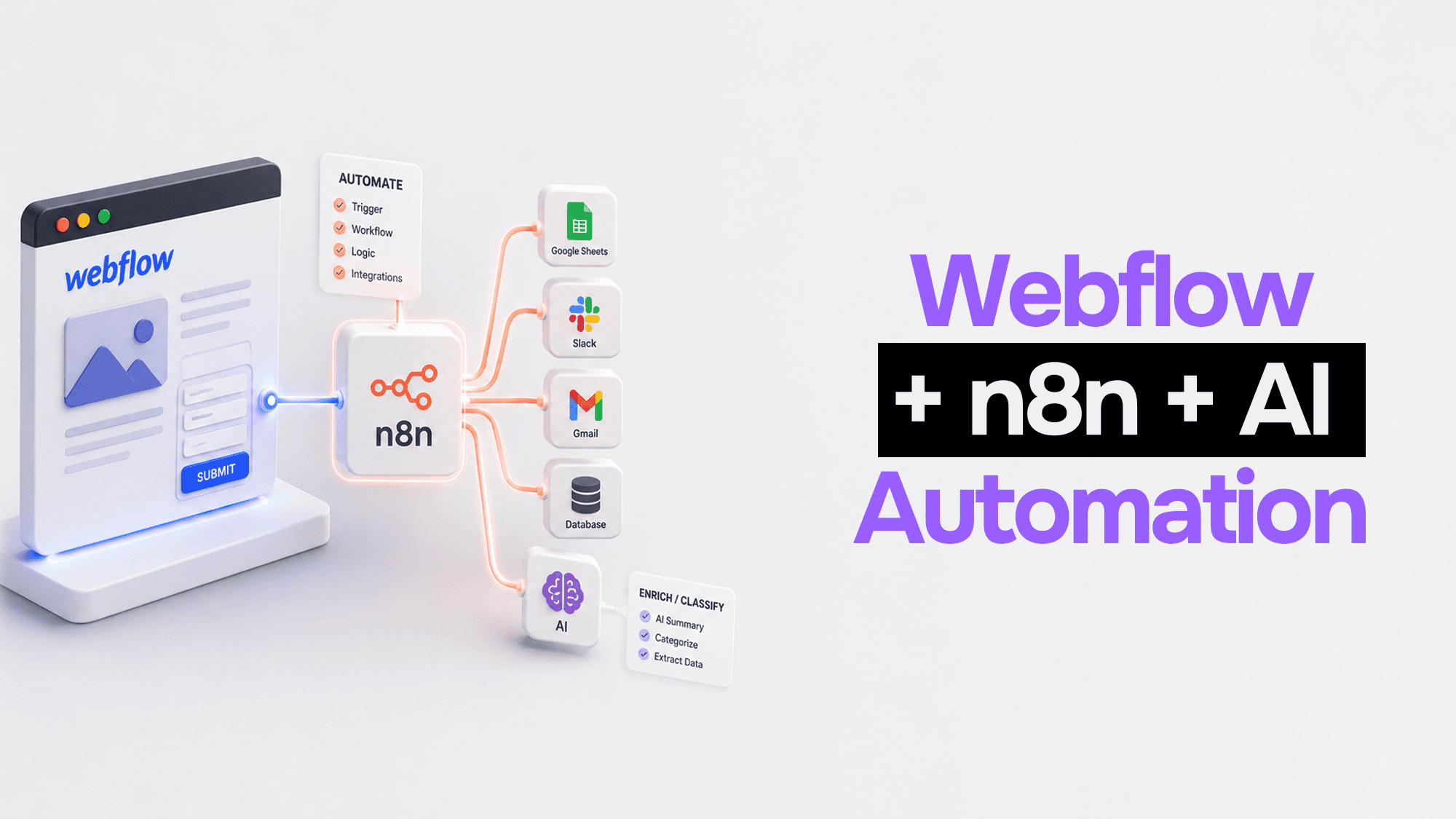
Webflow handles your frontend beautifully. n8n handles the logic. Claude handles the intelligence. Here's how to wire them together into automation pipelines that actually work.
Stuck on a web app, automation, or AI project?
Fifteen minutes, free. You describe the blocker, I tell you what I would fix first. No deck, no pitch — and if I am not the right fit, I will say so.
Book Your Free 15-Min Strategy CallRelated to: Bubble.io App Not Scaling? A Technical Audit Checklist for Founders