

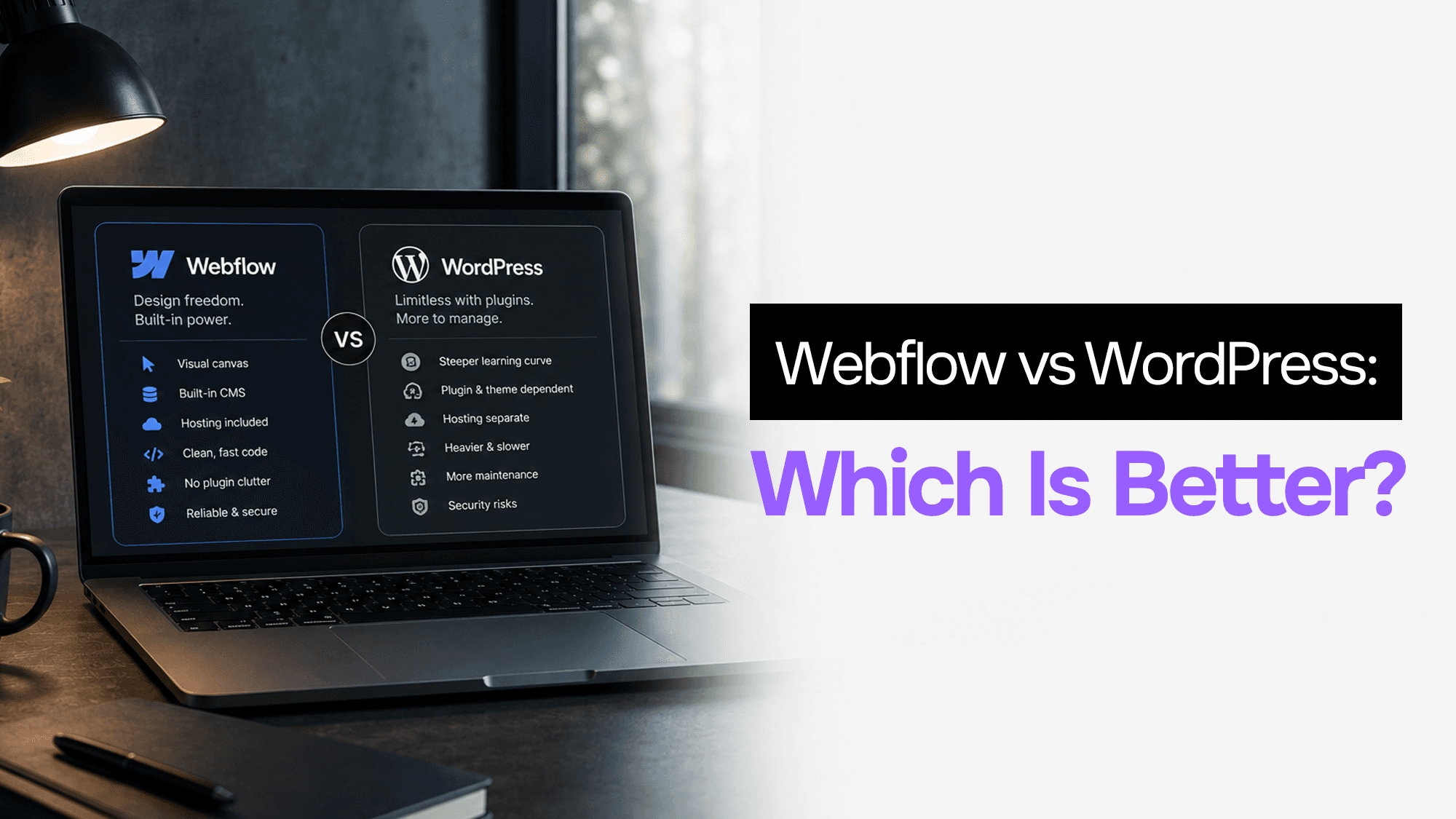
Webflow vs WordPress in 2026: The Honest Comparison (From Someone Who's Used Both)
WordPress has been winning the website platform debate for twenty years. It powers 43% of all websites on the internet. The ecosystem is enormous, the plugins are endless, and most web developers know it cold.
And yet: the number of clients who come to me specifically wanting to move off WordPress has increased every year. Not because WordPress is bad — but because Webflow solves the problems WordPress creates for a specific type of project far better.
I've built projects in both. I maintain client sites in both. Here's what the honest comparison actually looks like in 2026.
The Core Problem With Every "vs" Comparison
Most Webflow vs WordPress comparisons are written by people who have strong opinions about one tool and mild familiarity with the other. The truth is more nuanced: both platforms are genuinely good at different things, and the right choice depends on factors most comparison posts don't ask about.
Let me give you the framework I actually use.
Where Webflow Wins Clearly
Design and Visual Quality
Webflow's visual editor is, without exaggeration, the best way to turn a Figma design into a live website. You work directly with CSS layout concepts (flexbox, grid, positioning) in a visual interface. The output is clean, semantic HTML with no bloat.
WordPress themes are a different story. Even the best themes come with compromise — layout constraints, pre-built sections you don't want, CSS specificity wars when you try to override defaults. Page builders like Elementor or Divi solve some of this, but add their own layer of abstraction and usually generate heavier HTML than you'd write by hand.
For pixel-accurate, design-first projects, Webflow is significantly faster and produces cleaner output.
Performance Out of the Box
A default Webflow site loads fast. It's served from a global CDN (Webflow uses Fastly), images are automatically optimized, code is minified, and there's no database query on every page load.
A default WordPress site is slower. Not by a huge amount on a good host, but the ceiling for bad performance is high: poorly optimized plugins, unoptimized images, no caching, a cheap shared host. Getting WordPress to match Webflow's default performance requires deliberate configuration and often paid plugins.
Security
Webflow is a SaaS platform. There's no WordPress core to patch, no plugin vulnerabilities to track, no PHP security advisories to worry about. The attack surface is Webflow's servers, not yours.
WordPress is the most hacked CMS on the internet — not because it's insecure by design, but because its market share and plugin ecosystem make it a constant target. Running a WordPress site without a real maintenance plan is asking for problems.
Client Experience
Here's the one that matters most for agency work: which platform can your client actually use?
Webflow's Editor is clean. Clients click "Edit" on the site, click any text to change it, and publish. No wp-admin learning curve, no plugin updates, no accidentally breaking the site by switching themes.
WordPress's Gutenberg editor is more capable but also more complex. Clients who are confident writers can manage it. Clients who are not technically inclined will call you every time something doesn't look right.
Where WordPress Wins Clearly
Plugins and Ecosystem
WordPress has 60,000+ plugins. Whatever you need — membership sites, LMS, forums, e-commerce, multilingual, appointment booking — there's a plugin for it. Most of them are free or cheap.
Webflow's integration ecosystem is growing but nowhere near that depth. Complex use cases often require Webflow Logic, third-party tools like Memberstack or Jetboost, or custom API work. For a standard marketing site you'll never hit this wall. For a complex business application built on top of a CMS, you might.
Content-Heavy Sites at Scale
WordPress is genuinely excellent for sites with thousands of posts, complex taxonomies, and advanced content workflows. News sites, large blogs, multi-author publications — WordPress's architecture handles scale well.
Webflow's CMS, while capable, has item limits at each pricing tier and doesn't have the same depth of editorial workflow tooling.
Custom PHP Development
If you need server-side PHP logic — complex custom post types, custom query loops, dynamic content from a database, custom REST endpoints — WordPress is the right tool. The template hierarchy and hook system are powerful once you understand them.
Webflow has no server-side code. Logic happens through their API, Webflow Logic, or third-party services.
Cost for Larger Sites
For a basic blog or marketing site with no team features: Webflow is comparable in cost to a managed WordPress host.
For complex sites with multiple team members, advanced CMS features, and e-commerce: WordPress on a good host with premium plugins can be cheaper than Webflow's Enterprise plans.
Head-to-Head: Six Criteria
| Criteria | Webflow | WordPress |
|---|---|---|
| Design quality & precision | ⭐⭐⭐⭐⭐ | ⭐⭐⭐ |
| Default performance | ⭐⭐⭐⭐⭐ | ⭐⭐⭐ |
| Security (out of box) | ⭐⭐⭐⭐⭐ | ⭐⭐⭐ |
| Plugin/integration ecosystem | ⭐⭐⭐ | ⭐⭐⭐⭐⭐ |
| Client editing experience | ⭐⭐⭐⭐⭐ | ⭐⭐⭐ |
| Complex content at scale | ⭐⭐⭐ | ⭐⭐⭐⭐⭐ |
The Real Decision Framework
Forget the feature lists. Here are the questions that actually determine which platform to use:
1. Will this site need a plugin that Webflow can't replicate?
Examples: LMS with courses and quizzes, membership site with gated content tiers, WooCommerce with complex shipping rules, multi-site network. If yes → WordPress.
2. Who is maintaining this site post-launch?
Non-technical client who needs to update content themselves → Webflow Editor is dramatically easier. Confident WordPress users or sites with a technical admin → either works.
3. Is design fidelity critical?
Marketing sites for design agencies, portfolio companies, product launches where every pixel matters → Webflow. Functionality-first sites where design is secondary → either works.
4. How important is security posture?
Client in finance, legal, healthcare, or any regulated industry where a site compromise would be a serious incident → Webflow's reduced attack surface matters. Standard marketing site → either is fine with proper maintenance.
5. What's the expected content volume over 3 years?
Under 500 CMS items, standard blog → Webflow handles this comfortably. News site, large product catalog, multi-author publication at scale → WordPress.
My Honest Default in 2026
For 90% of the marketing sites and agency projects I see: Webflow is the better choice.
The sites are faster, cleaner, and more secure. Clients can edit them. I can build them faster. The design output is better. And I don't have to maintain a plugin update schedule or worry about the site getting hacked because someone installed a dodgy contact form plugin.
🚀 For client marketing sites, landing pages, and portfolios in 2026, Webflow is simply the faster, cleaner, more maintainable choice. I switched my client projects to Webflow two years ago and haven't looked back — clients love it, design quality improved, and I spend zero time on security patches.
WordPress wins when you need the plugin ecosystem depth or you're building something complex that Webflow can't handle natively. For everything else, the default has shifted.
What About Headless WordPress?
Some teams use WordPress purely as a headless CMS (through the REST API or WPGraphQL), with a separate frontend built in Next.js or another framework. This is a legitimate pattern.
The tradeoff: you get WordPress's content management power with a modern frontend. The cost: you're now maintaining two systems, a deployment pipeline, and the integration layer between them.
Webflow eliminates that complexity for the use cases it covers well. If you need headless WordPress, it means your project's content requirements have outgrown what Webflow handles natively — and that's the right call.
FAQ
Can I migrate from WordPress to Webflow?
Yes. Webflow has an official importer for WordPress that handles posts, pages, and images. Custom post types and complex plugin data require more work. For most marketing sites the migration is straightforward.
Does Webflow have good SEO?
Yes. Meta tags, Open Graph, schema markup, sitemaps, and 301 redirects are all manageable through Webflow's UI. Performance (a Google ranking factor) is excellent by default. For most clients, Webflow is easier to manage SEO on than WordPress.
Is Webflow more expensive?
Plans start at $14/month (basic) to $23/month (CMS). Comparable managed WordPress hosting (WP Engine, Kinsta) plus the premium plugins you actually need often costs more. Factor in developer time for plugin management and security updates, and Webflow is frequently cheaper total cost of ownership.
What about Squarespace and Wix?
Squarespace and Wix are consumer-grade. They're fine for personal sites or very small businesses. For client work where design quality and performance matter, neither competes with Webflow or a well-built WordPress site.
The Short Version
Choose Webflow if: design matters, client needs to edit content, security is a priority, standard marketing site scope.
Choose WordPress if: you need a specific plugin, complex content at scale, or server-side PHP logic.
Both work. Webflow just removes more maintenance burden and produces cleaner output for the projects that don't need WordPress's depth.
Stuck on a web app, automation, or AI project?
Fifteen minutes, free. You describe the blocker, I tell you what I would fix first. No deck, no pitch — and if I am not the right fit, I will say so.
Book Your Free 15-Min Strategy CallRelated to: Webflow vs WordPress in 2026: The Honest Comparison (From Someone Who's Used Both)If you found this article helpful, consider buying me a coffee to support more content like this.
Related Articles
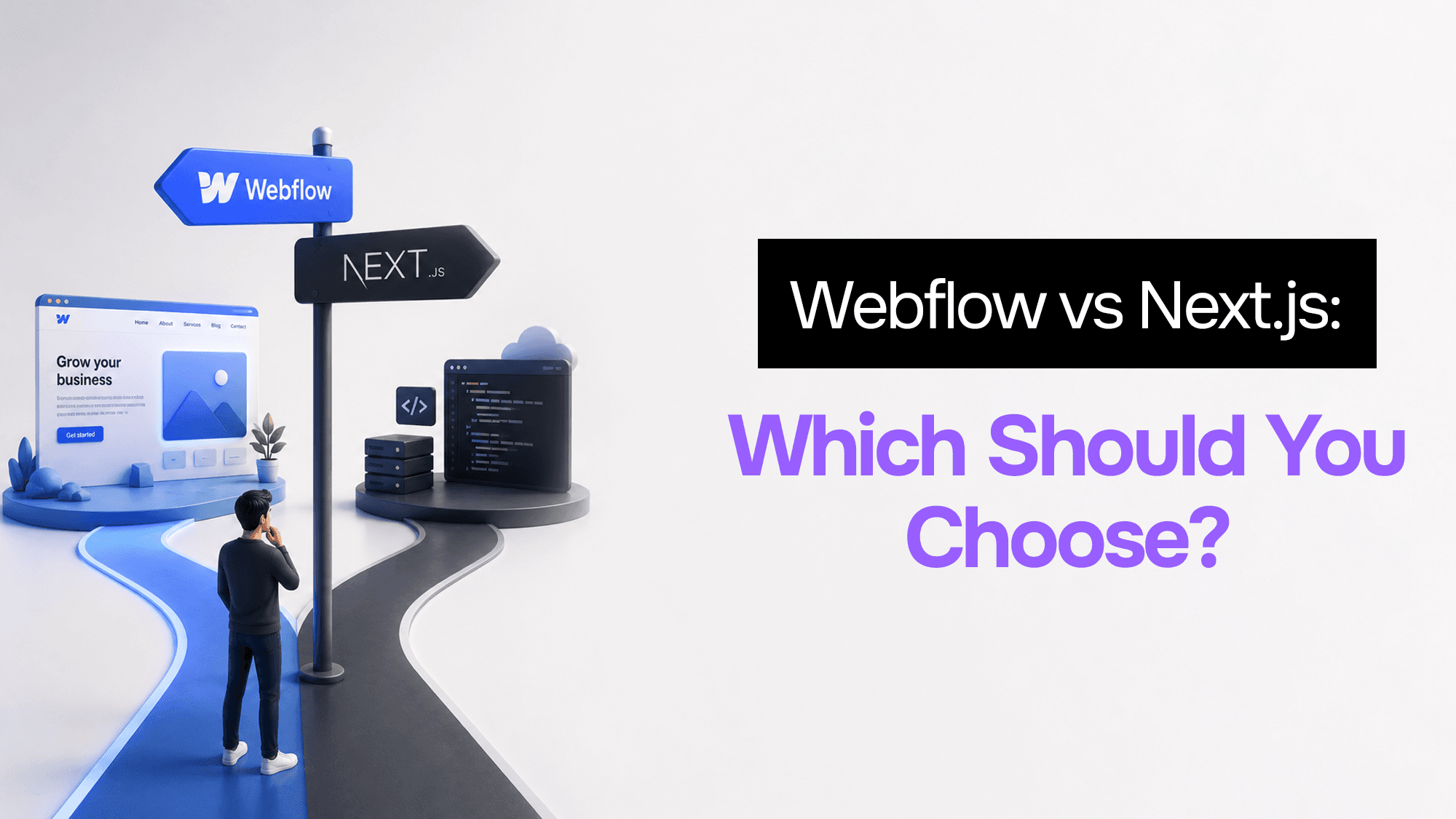
After building dozens of client projects in both, here's the exact framework I use to pick between Webflow and Next.js — and why the answer is almost never obvious.
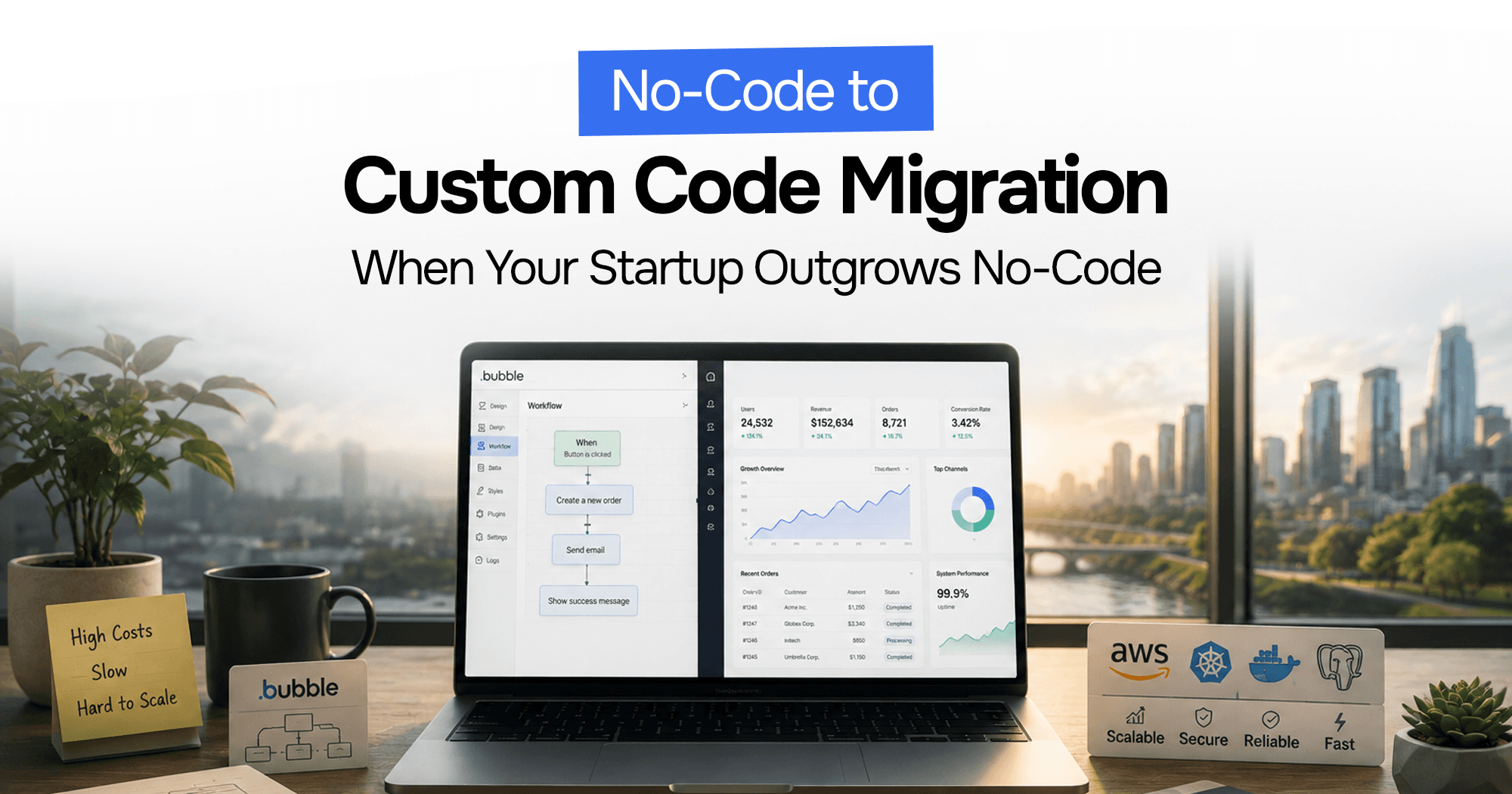
Your Bubble.io app is hitting walls — slow queries, $10K/month bills, investors asking for a real codebase. Here's the complete process for migrating from no-code to custom code without losing data or going dark.
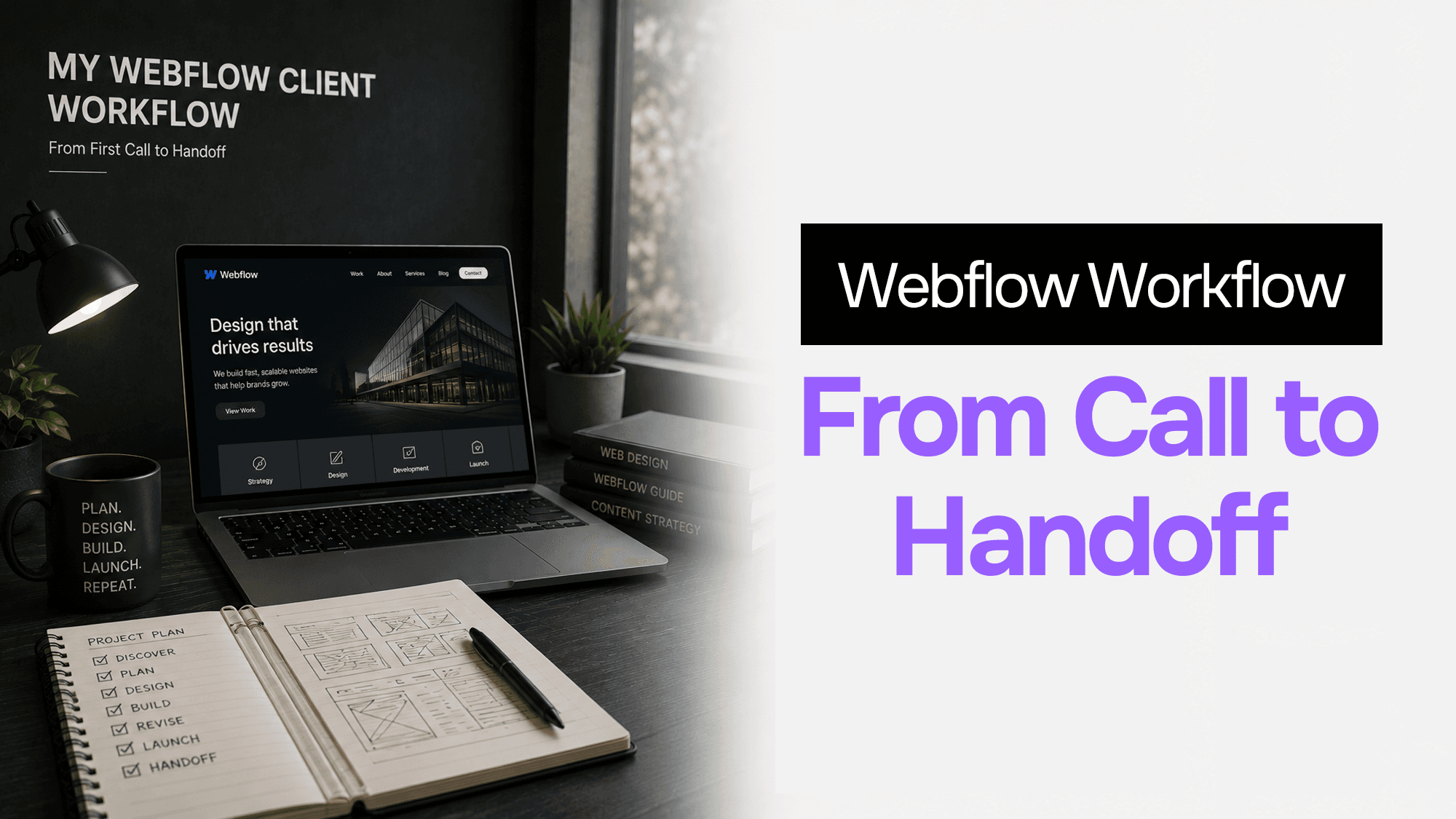
How I scope, design, build, and hand off client marketing sites in Webflow — including the exact process, tools, and handoff checklist I've refined over dozens of projects.
Stuck on a web app, automation, or AI project?
Fifteen minutes, free. You describe the blocker, I tell you what I would fix first. No deck, no pitch — and if I am not the right fit, I will say so.
Book Your Free 15-Min Strategy CallRelated to: Webflow vs WordPress in 2026: The Honest Comparison (From Someone Who's Used Both)