

State Management in React: When to Use useState, useReducer, and useRef
Managing state is a fundamental aspect of developing React applications. Understanding when to use useState, useReducer, or useRef can greatly enhance your application's performance and maintainability. This article explores each of these hooks and provides guidance on their appropriate use cases.
Introduction to State Management in React
React provides several hooks for managing state and other side effects in functional components, each serving distinct purposes and suitable for different scenarios.
1. useState: Managing Simple State Transitions
useState is the most straightforward hook for managing state in React. It's perfect for handling simple state transitions where the next state does not depend on the previous one.
-
Use Cases:
- Local form values
- Toggles (e.g., show/hide, enabled/disabled)
- Any other simple state that doesn't involve complex logic or deep updates
-
Example:
function ToggleComponent() {
  const [isToggled, setToggle] = useState(false);

  return (
    <button onClick={() => setToggle(!isToggled)}>
      {isToggled ? 'ON' : 'OFF'}
    </button>
  );
}
2. useReducer: Managing Complex State Logic
useReducer is more suited for cases where the next state depends on the previous one, or when the state logic is complex, involving multiple sub-values or when the next state depends on multiple previous states.
-
Use Cases:
- Complex forms or user inputs
- States that depend on previous states
- Handling multiple states tightly coupled together
-
Example:
function Counter() {
  const [state, dispatch] = useReducer((state, action) => {
    switch (action.type) {
      case 'increment':
        return { count: state.count + 1 };
      case 'decrement':
        return { count: state.count - 1 };
      default:
        throw new Error();
    }
  }, { count: 0 });

  return (
    <>
      Count: {state.count}
      <button onClick={() => dispatch({ type: 'increment' })}>+</button>
      <button onClick={() => dispatch({ type: 'decrement' })}>-</button>
    </>
  );
}
3. useRef: Accessing DOM Nodes and Storing Mutable Values
useRef is used for accessing DOM nodes directly and for keeping any mutable value around for the lifetime of the component. It’s useful for more than just refs.
-
Use Cases:
- Managing focus, text selection, or media playback
- Triggering imperative animations
- Storing a mutable value that does not cause a re-render when updated
-
Example:
function TextInputWithFocusButton() {
  const inputEl = useRef(null);

  const onButtonClick = () => {
    // `current` points to the mounted text input element
    inputEl.current.focus();
  };

  return (
    <>
      <input ref={inputEl} type="text" />
      <button onClick={onButtonClick}>Focus the input</button>
    </>
  );
}
Conclusion: Choosing the Right Hook for State Management
In React, choosing the right state management hook depends on the complexity of the state and how it interacts with other states or the component lifecycle. useState is ideal for simple states, useReducer for more complex state interactions, and useRef for managing references and mutable data without re-renders.
Final Thoughts
Understanding when and why to use each React hook for state management will not only make your code cleaner and more efficient but also easier to maintain and debug. Experiment with these hooks to find the most effective way to manage state in your React applications.
If you enjoyed this article, consider supporting my work:
Ship AI features that survive real traffic
Start from the failure modes, choose the smallest architecture that holds up, and instrument the path before you scale it.
If you found this article helpful, consider buying me a coffee to support more content like this.
Related Articles

Learn how to improve JavaScript error handling by enforcing ESLint rules that enhance code quality and readability. Discover best practices for error handling and how to set up ESLint for enforcing these practices.
Discover 10 powerful HTML tags that enhance functionality, improve accessibility, and boost SEO. Learn how these lesser-known tags can transform your web development projects.
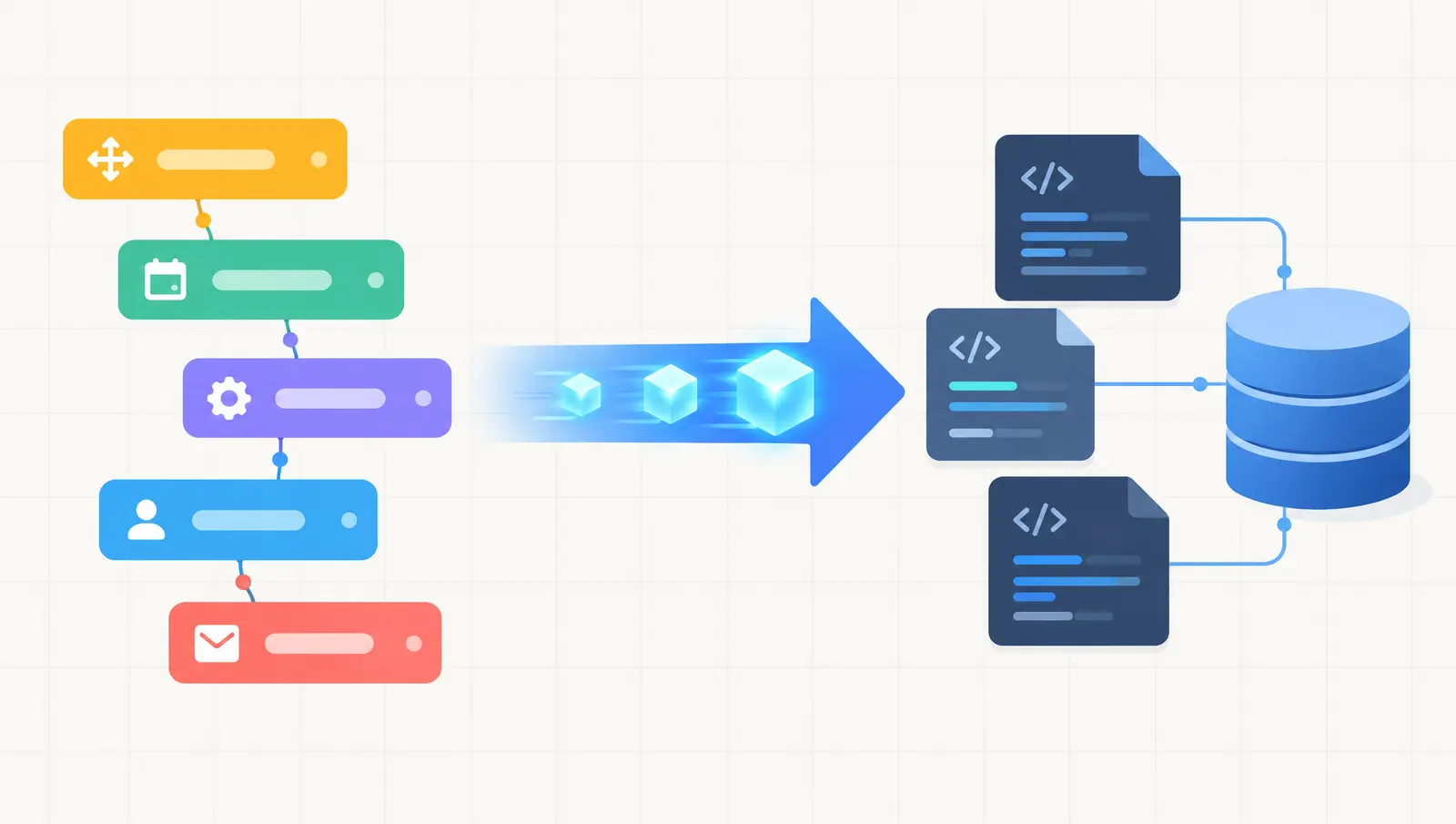
Thinking of moving a Bubble app to Next.js? Here is when it makes sense, the migration steps, what drives cost and timeline, and the risks to plan for.
Ship AI features that survive real traffic
Start from the failure modes, choose the smallest architecture that holds up, and instrument the path before you scale it.