

What to Measure After Implementing AI Workflow Automation (Metrics Template)
Short answer: after implementing AI workflow automation, measure business outcomes, not AI activity. Track hours saved, cost per task, cycle time, error rate, how often the AI hands off to a human, how often runs fail, what the AI costs to run, and the payback period. Take a baseline before launch, or none of these numbers mean anything.
The 8 metrics that matter
| # | Metric | How to measure it | Why it matters |
|---|---|---|---|
| 1 | Hours saved per month | (Manual minutes per task − remaining minutes) × tasks per month | The main value driver for most automations |
| 2 | Cost per task | (People time + AI usage + tool cost) ÷ tasks completed | Shows whether automation is actually cheaper |
| 3 | Cycle time | Time from trigger (lead in, ticket opened) to done | Speed is often worth more than labor savings |
| 4 | Error rate | Wrong outputs ÷ total, from a weekly sample review | Catches quality drifting before customers do |
| 5 | Human-review rate | Runs sent to a person ÷ total runs | Too high = little value; too low = maybe unsafe |
| 6 | Run failure rate | Failed or retried runs ÷ total runs | Reliability; spikes usually mean an upstream change |
| 7 | AI running cost | Monthly LLM + platform spend | Stops a cheap pilot becoming an expensive habit |
| 8 | Payback period | Build cost ÷ monthly net value | The single number leadership will ask for |
Take a baseline before you launch
Most teams skip this and regret it. For one or two weeks before go-live, record:
- How many tasks the workflow handles per week
- How long each one takes a person, on average
- How long the end-to-end process takes (cycle time)
- How many mistakes get caught or reported
A spreadsheet is enough. Without it, "hours saved" becomes a guess and the ROI conversation turns into opinion.
How to calculate payback
Use simple arithmetic you can explain in one sentence:
- Monthly value = hours saved × loaded hourly cost of the people doing it, plus any error or revenue impact you can measure.
- Monthly net = monthly value − monthly running cost (AI usage, tools, maintenance).
- Payback period = build cost ÷ monthly net.
My target for a well-chosen workflow is 20 to 60 hours saved per month and a 4 to 8 week payback. If a workflow isn't on track to pay back within a quarter, change the scope or switch it off.
For workflows with a human approval step, see the longer worked example in how to calculate ROI for governed AI workflows.
Leading signals in the first 30 days
Before you have a full month of savings, watch these:
- Human-review rate falling week over week as edge cases get handled
- Run failure rate under a few percent and stable
- Team usage: people stop doing the task manually "just in case"
- Fewer complaints about the process the automation replaced
If the review rate stays high, the AI step is probably being asked to make decisions it doesn't have enough context for. Fix the input data before changing the model.
Metrics people track that don't help
- Number of AI calls or tokens on their own: activity, not value
- "Accuracy" without a definition of what counts as correct
- Hours saved estimated once at kickoff and never re-checked
Need automation that reports its own ROI?
Every automation I build ships with an ROI dashboard tracking hours saved, cost, and efficiency. I'm Rajesh Dhiman, an AI automation consultant based in India, working with teams worldwide. See the workflow automation service, or read how long production automation takes to deploy.
Frequently asked questions
What should a business measure after implementing AI workflow automation?
Measure business outcomes, not AI usage: hours saved per month, cost per task, cycle time, error rate, human-review and escalation rate, run failure rate, AI running cost, and payback period. Capture a baseline before launch so every number has something to compare against.
How do you calculate ROI for AI workflow automation?
Monthly value is hours saved times the loaded hourly cost of the people doing the work, plus any measurable error or revenue impact. Subtract the monthly running cost (AI usage, tools, maintenance). Payback is the build cost divided by that monthly net value.
How soon should AI automation pay for itself?
For well-chosen workflows, I target 20 to 60 hours saved per month and a payback period of 4 to 8 weeks. If a workflow is not on track to pay back within a quarter, revisit the scope or switch it off.
Stuck on a web app, automation, or AI project?
Fifteen minutes, free. You describe the blocker, I tell you what I would fix first. No deck, no pitch — and if I am not the right fit, I will say so.
Book Your Free 15-Min Strategy CallRelated to: What to Measure After Implementing AI Workflow Automation (Metrics Template)If you found this article helpful, consider buying me a coffee to support more content like this.
Related Articles

A realistic timeline for deploying production-grade AI workflow automation: 10 days for two well-scoped workflows, longer for multi-system integrations, and what adds weeks.
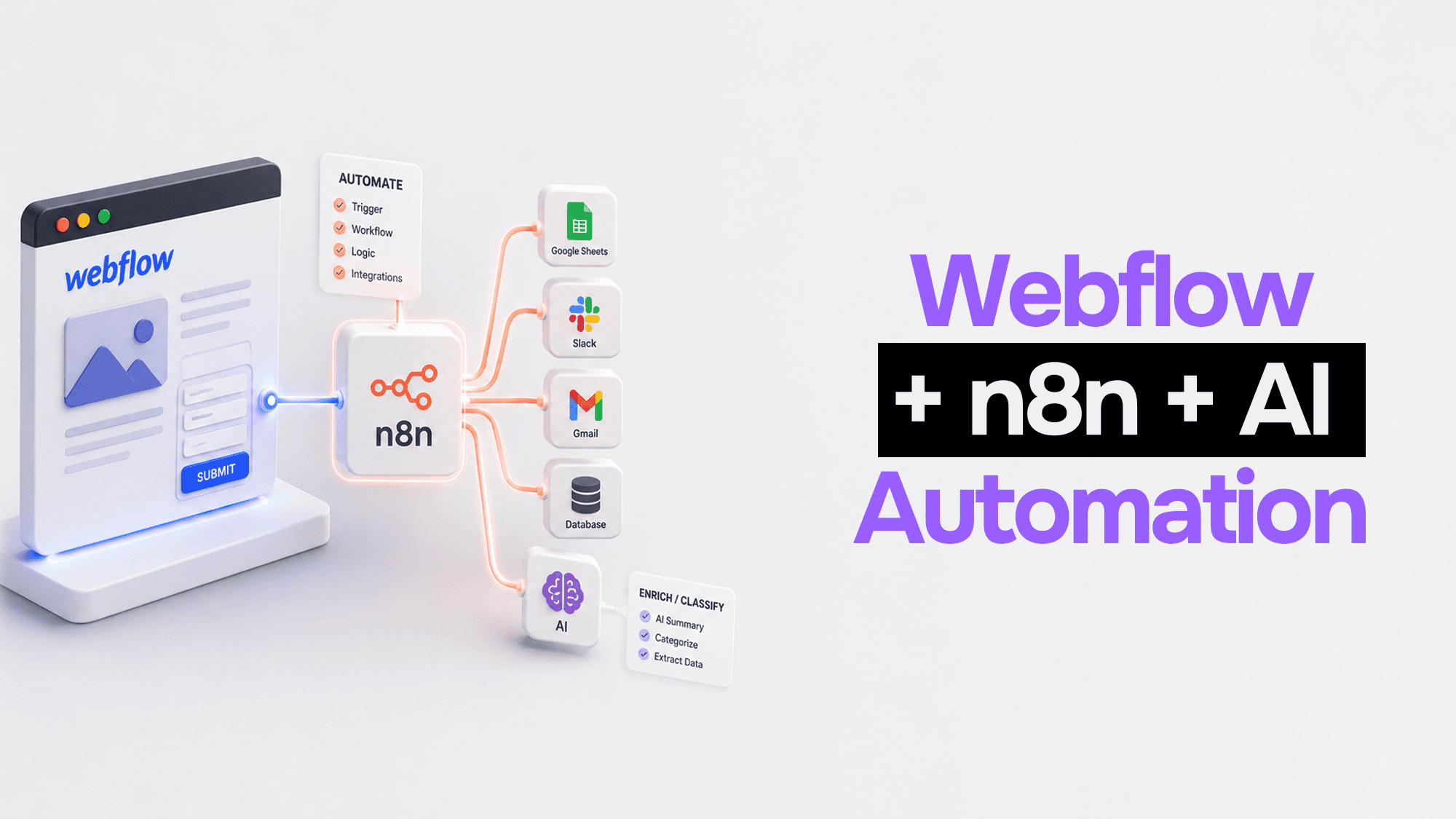
Webflow handles your frontend beautifully. n8n handles the logic. Claude handles the intelligence. Here's how to wire them together into automation pipelines that actually work.
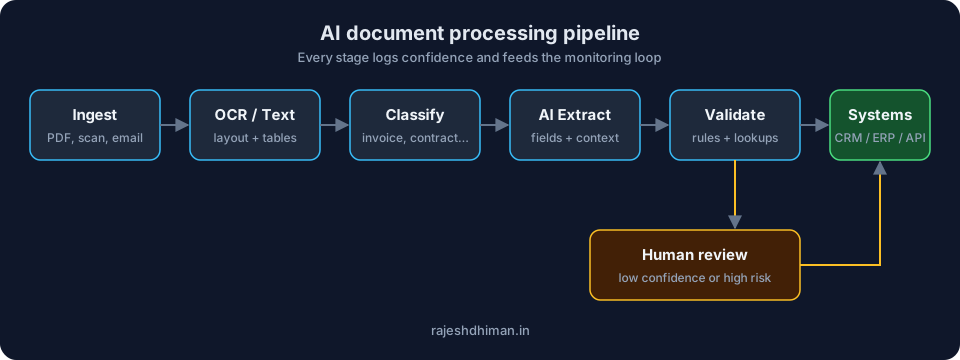
Learn how AI document processing automates data extraction, document classification, verification, and workflows while reducing manual errors and processing time.
Stuck on a web app, automation, or AI project?
Fifteen minutes, free. You describe the blocker, I tell you what I would fix first. No deck, no pitch — and if I am not the right fit, I will say so.
Book Your Free 15-Min Strategy CallRelated to: What to Measure After Implementing AI Workflow Automation (Metrics Template)