


Replit Errors Fixed: 'Could Not Find Run Command', 'App Not Running' and 15 More Common Issues
Most Replit errors come down to one of four things: a missing or wrong run
command in .replit, a server listening on the wrong host or port, a resource
limit (memory), or a stale browser session. This guide covers the specific error
messages people search for most, the 15 common issues behind them, and the point
where it is faster to stop prompting the agent and get a human to look at the
app.
Last reviewed October 2026. Replit changes its interface and plan limits often, so check the linked Replit docs if a menu name differs from what you see.
Quick answers to the most-searched Replit errors
| Error or symptom | Most likely cause | First fix |
|---|---|---|
| "Could not find run command" | No run command is set for the project | Add a run line to .replit (see below) |
| "Your app is not running" | Process crashed, exited, or never bound to the right port | Check the console for the crash, then bind to 0.0.0.0 and the PORT value |
| "Start a server to see the hosted output" | Web server not listening where Replit expects | Use 0.0.0.0 and PORT (see error 1) |
| "Agent encountered an error while running" | Platform-side issue or a request the agent can't complete | Check the status page, retry, or roll back to a checkpoint |
| "The workspace is unavailable. Try again in a moment." | Platform outage or a stuck session | Status page, hard refresh, wait a few minutes |
| "This phone number is invalid or might be in use" | Number format, VoIP number, or number already linked to another account | Use full international format; contact support if it persists |
| Code runs but nothing appears | Run command points at the wrong file | Match run to your entry file |
"Could not find run command"
This usually means the project has no run command configured, or the config file
was overwritten. Open (or create) .replit in the project root and set one:
run = "python main.py" For a Node.js project it is typically run = "npm start" or
run = "node index.js". Make sure the file named in the command exists and is
spelled exactly the same, including case. If the project is a web app you plan to
publish, the deployment section of .replit needs its own run command too, and
it has to start the same server.
"Does Replit detect main.py automatically?"
Sometimes, depending on the template and language, but don't rely on it. If the
entry file has a different name, or you have several Python files, set run
explicitly in .replit so the project always starts the file you intend.
"Your app is not running"
Read the console before changing anything. The message almost always means the
process started and then exited, or it never began listening. Check for a
traceback above the message, confirm the app binds to 0.0.0.0 and the port from
the PORT environment variable (error 1 below), and confirm every dependency is
listed in requirements.txt or package.json.
"Agent encountered an error while running"
Treat this as a platform message first, not a code problem. Check Replit's status page, wait a minute and retry, and if your last prompt changed a lot of files, roll back to the previous checkpoint and re-run a smaller request. If the same error returns after a clean retry, stop prompting (see the next section).
"This phone number is invalid or might be in use"
This appears during account verification. Enter the number with its country code, avoid VoIP or virtual numbers, and remember a number can typically be linked to one account. If a real mobile number is still rejected, contact Replit support.
"The workspace is unavailable"
Check the status page, hard refresh, try a different network or browser, and wait a few minutes. If it persists and you can't reach your project, contact support with your project link.
How good is Replit's AI at fixing its own errors?
Good at the small stuff, unreliable at the structural stuff. In the AI-built apps people ask me to look at, the pattern is consistent:
It usually handles well:
- Syntax errors and typos
- Missing imports and packages
- Port and host configuration
- Straightforward one-file bugs
It tends to struggle with:
- Fix-and-break loops. It fixes the error you pasted and quietly breaks something that worked, then fixes that, then breaks the first thing again.
- State that spans files. Database schema changes, auth flows, and anything where one change has to be mirrored in several places.
- Silent failures. Errors that don't throw but produce wrong data, such as payments, permissions, or duplicate records.
- Security. Exposed keys, missing access rules, unvalidated input.
A simple rule that saves hours: if the same error comes back after three prompts, stop. Roll back to the last checkpoint that worked, read the actual log yourself, and change one thing at a time. If you can't tell what is failing, that is the moment to get a second pair of eyes, not a fourth prompt.
Replit is excellent for prototypes. Problems that appear when real users arrive are a different class of work. I cover the five I see most in Fixing Replit AI Apps: Top 5 Problems, and the wider process in What Is AI Code Rescue?.
Why do Replit errors happen?
Replit errors usually boil down to four things:
- Browser battles: Outdated cache or extensions can break features.
- Cloud constraints: Every Repl runs in a container with limits, and sometimes you run out of memory.
- Forgotten configs: One typo in a run command or server port, and your app stalls.
- User error: Wrong file paths, missed imports, copy-paste mistakes.
Four quick checks before anything else
These clear a surprising number of problems:
-
Refresh, hard. Ctrl+F5 or Cmd+Shift+R clears stuck pages.
-
Check Replit's status page. Sometimes the platform, not your code, is the issue.
-
Clean up your browser. Extensions off, cookies cleared, try incognito.
-
Restart your Repl. In Shell, type
kill 1to reset the container.
The 15 most common Replit errors and how to fix them
1. "Start a server to see the hosted output"
Why it happens: You hit run, but see only a cryptic message. Your web server isn't configured to launch correctly on Replit's cloud.
How to fix it:
- Use the correct host and port:
- Python:
app.run(host='0.0.0.0', port=int(os.environ.get('PORT', 5000))) - Node.js:
app.listen(process.env.PORT || 3000, "0.0.0.0");
- Python:
- Check your
.replitconfig points to the right main file and command.
2. Out of memory (OOM)
Why it happens: Too much data held in memory at once, or a loop that keeps growing a list, and the Repl is killed.
How to fix it:
- Process data in chunks instead of loading big files all at once.
- Release large variables you no longer need.
- Check your plan's current memory limit and upgrade if the workload is legitimate.
3. Can't log in or authenticate
- Clear cookies or use a fresh incognito window.
- Try a different sign-in option (Google, GitHub, email and password).
- Check your email is verified.
- Disable your VPN for a smoother handshake.
4. "Permission denied" or file access errors
Why: You're trying to read or write outside allowed folders.
- Only use files in your project directory.
- In Shell,
chmod 644 filename.txtif file permission is the issue (use with caution).
5. Code runs, but no output
Why: The run command in .replit points at a different file than you
think, or a syntax error is hiding the output.
- Make sure your run command matches the entry file (for example
python main.py). - Add
print('test')to confirm the file is running at all.
6. ModuleNotFoundError / import error
Why: The package is missing or named wrong.
- Use the Packages tool for installs.
- Check your spelling. Python is case-sensitive.
7. Deployment failed
- Confirm your app is listening on
process.env.PORToros.environ.get('PORT'). - Check deployment logs for the detailed error lines.
- List all dependencies in
requirements.txtorpackage.json. - Confirm the deployment run command starts the same server as your workspace run command.
8. WebSocket disconnects
- A stable connection matters. Try another network.
- Turn off VPN or ad blockers while testing.
9. Syntax and runtime errors
- Read the error output carefully. It usually points straight to the file and line.
- Use the editor's linting as a first-pass check.
10. Package install fails
- Prefer the Packages tool to typing
pipornpmin Shell. - Clear caches if you get repeated failures:
pip cache purgeandnpm cache clean --force.
11. Replit won't load
- If you see a blank screen, hard refresh and try a different browser.
- Check status.replit.com for outages.
12. "Repl not responding" or freezing
- Use
kill 1in Shell to stop stuck processes. - Check for infinite loops or runaway resource usage.
13. Environment variable problems
- Store keys in the Secrets tool, not in committed
.envfiles. - Access them in code with
os.environ.get('NAME')orprocess.env.NAME.
14. Git, clone and fork errors
- Reauthorize with GitHub in your account settings.
- Confirm you have access to the repository before cloning or forking.
15. Sharing or publishing fails
- Check the project's visibility settings if others can't view it.
- Test share links in an incognito browser.
How to troubleshoot like a pro
- Check logs first. The console typically tells you what's wrong.
- Use checkpoints and version history to roll back to a working state.
- Change one thing at a time, so you know what fixed it.
- Export to local for stubborn bugs: download the project and run it on your machine, where you have proper debugging tools.
When to contact Replit support
Reach out at replit.com/support if you:
- Can't access your account or project
- Hit a confirmed platform bug
- Lose important work
Have ready: your project link and username, the error text and logs, and a list of what you've already tried.
Preventing Replit errors before they happen
- Commit to Git regularly and use checkpoints before big agent requests.
- Keep dependencies up to date.
- Watch memory use on larger projects.
- Keep credentials in Secrets.
- Review the app yourself before it takes real users or payments. Prototype code generated by AI often needs a hardening pass first.
Replit prototype stuck, looping, or breaking in production? I audit and repair AI-built apps: security gaps, database problems, deployment failures, and agent loops. Read how the process works in AI Code Rescue, or book a technical diagnostic.
Frequently Asked Questions
Can I recover a deleted Repl?
Check your account for recently deleted projects and contact Replit support as soon as possible. Recovery windows and options depend on your plan and can change, so don't assume a deleted project can be restored.
How much memory do I need?
It depends on your plan, and Replit's limits change over time, so check the current plan page. Most small web apps are fine on the default allocation. Data processing, AI workloads and large file handling are the usual reasons to upgrade, or to move the workload off Replit.
What if my code disappears?
Use checkpoints and version history to roll back, and push to Git so a copy exists outside Replit.
Why does the Replit agent keep repeating the same fix?
It is likely stuck in a fix-and-break loop. Roll back to the last working checkpoint, read the log yourself, and give it one small, specific request. If three attempts don't fix it, get the app reviewed.
Helpful resources
Vibe Coding Survival Guide
How to Ship AI-Assisted Code That Doesn't Embarrass You in Production
A production-minded guide for developers, founders, and teams using AI coding tools without letting brittle generated code reach customers.
If you found this article helpful, consider buying me a coffee to support more content like this.
Related Articles
Thinking of moving a Bubble app to Next.js? Here is when it makes sense, the migration steps, what drives cost and timeline, and the risks to plan for.
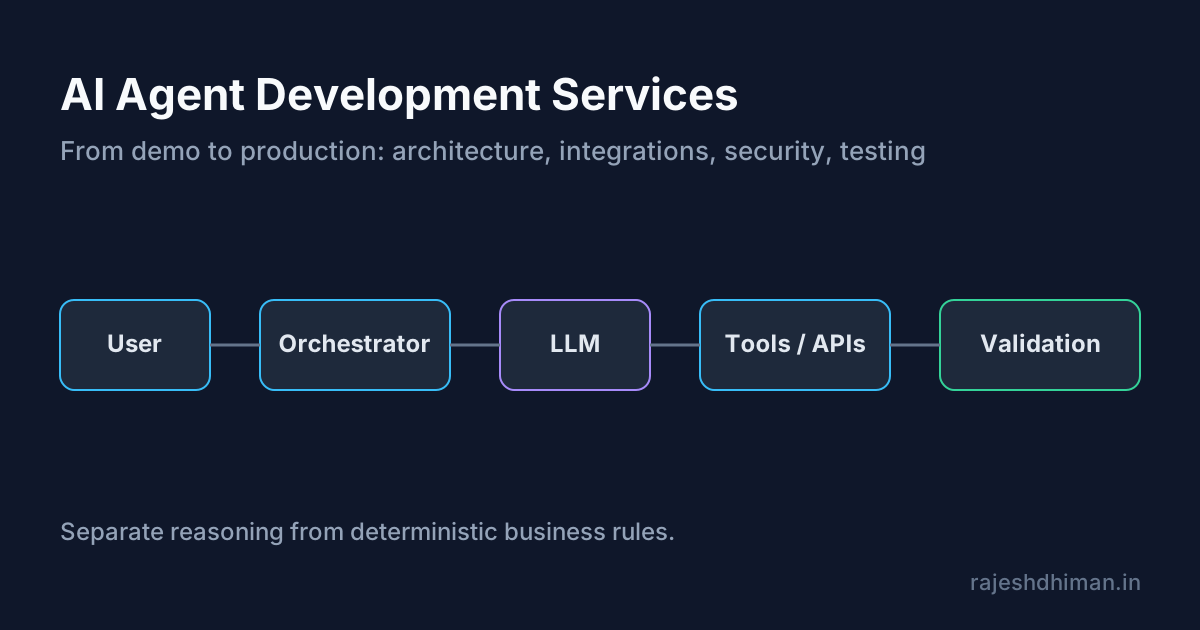
Explore AI agent development services for building reliable, production-ready AI agents. Learn about architecture, integrations, security, testing, deployment, and costs.
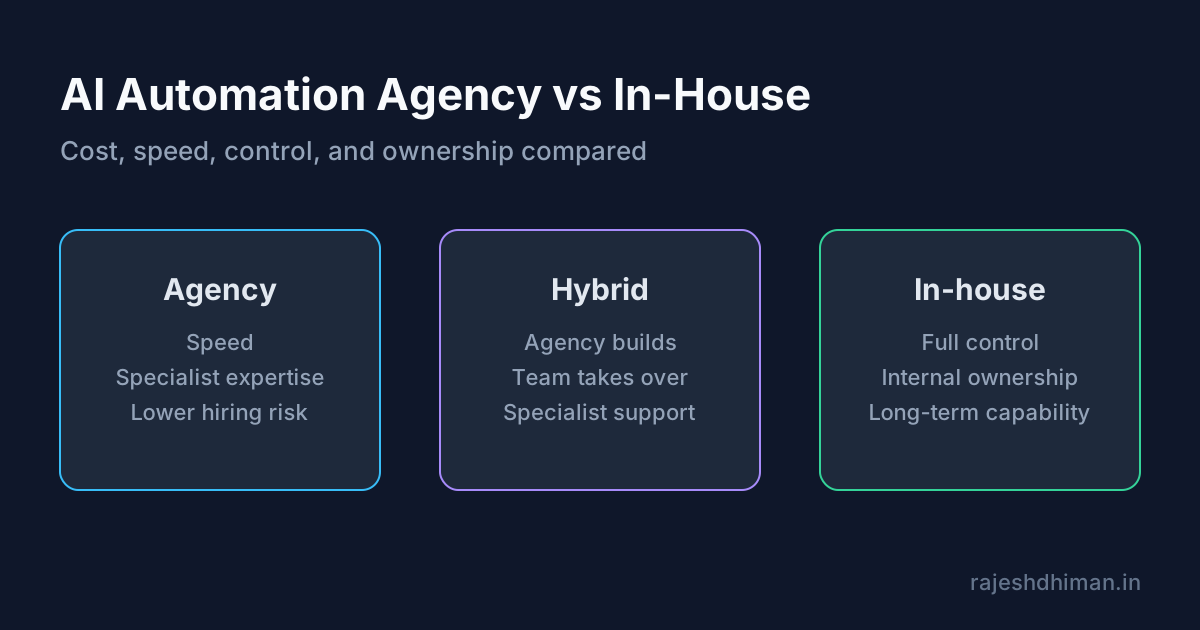
Compare an AI automation agency with in-house development. Learn about costs, services, benefits, risks, timelines, and how to choose the right approach.
Vibe Coding Survival Guide
How to Ship AI-Assisted Code That Doesn't Embarrass You in Production
A production-minded guide for developers, founders, and teams using AI coding tools without letting brittle generated code reach customers.