

Understanding Closures in JavaScript: From Confusion to Clarity
Imagine This...
You’re working on a project, and you need a function to "remember" the values of variables—even after the function has finished running. Closures are like a magical backpack that lets you carry knowledge from a previous lesson wherever you go in your code. It’s one of the most powerful yet misunderstood concepts in JavaScript. But don’t worry—by the end of this guide, closures will go from head-scratching to “aha!”
What’s a Closure? Simplified Definition and Analogy
A closure is when a function "remembers" its surrounding state (the variables in its scope) even after the outer function has finished executing. Let’s break this down with a relatable analogy:
Real-Life Analogy: The Backpack of Knowledge
Imagine you’re a student. You have a backpack with your notes, pens, and books. You leave the classroom (your outer function), but you still have access to everything in your backpack (your closure). Whenever you need to solve a problem later, you can pull out the knowledge you saved in your backpack.
Simplified Definition
In JavaScript, closures happen when:
- A function is defined inside another function.
- The inner function "remembers" the variables of the outer function.
How Do Closures Work? Examples in Action
Let’s see closures in action with code examples.
Example 1: A Basic Closure
function outerFunction() {
  const outerVariable = 'Hello, Closure!';

  function innerFunction() {
    console.log(outerVariable);
  }

  return innerFunction;
}

const myClosure = outerFunction();
myClosure(); // Output: "Hello, Closure!"
What’s Happening Here?
innerFunctionis returned fromouterFunction.- Even though
outerFunctionhas finished executing,innerFunctionstill remembersouterVariable.
Example 2: Closure for a Counter
function createCounter() {
  let count = 0;

  return function () {
    count++;
    return count;
  };
}

const counter = createCounter();
console.log(counter()); // Output: 1
console.log(counter()); // Output: 2
What’s Happening Here?
- The returned function "remembers" the
countvariable, even thoughcreateCounterhas finished running. - Each time you call
counter, it updates and remembers the latest value ofcount.
Example 3: Closures in Loops (Common Pitfall)
Closures often trip up developers when used inside loops.
for (let i = 1; i <= 3; i++) {
  setTimeout(() => console.log(i), i * 1000);
}
// Output: 1, 2, 3 (each after 1 second)
Why Does This Work?
- The
letkeyword creates a block scope, so each iteration has its owni. - If you used
varinstead oflet, all outputs would be4becausevardoesn’t create block scope.
📄 Documentation: Closures on MDN
Common Use Cases for Closures
Closures aren’t just a theoretical concept—they’re incredibly practical! Here are some common scenarios where closures shine.
1. Data Caching
Closures can store computed values for reuse, saving time and resources.
function cache() {
  const data = {};

  return function (key, value) {
    if (value) {
      data[key] = value;
    }
    return data[key];
  };
}

const cacheData = cache();
cacheData('name', 'Alice');
console.log(cacheData('name')); // Output: "Alice"
2. Event Handlers
Closures are often used in event listeners to maintain state.
function createClickHandler(message) {
  return function () {
    alert(message);
  };
}

const button = document.querySelector('button');
button.addEventListener('click', createClickHandler('Button Clicked!'));
3. Private Variables
You can use closures to create private variables, encapsulating functionality.
function createSecret() {
  let secret = 'Hidden Message';

  return {
    getSecret: () => secret,
    setSecret: (newSecret) => {
      secret = newSecret;
    },
  };
}

const secretKeeper = createSecret();
console.log(secretKeeper.getSecret()); // Output: "Hidden Message"
secretKeeper.setSecret('New Secret');
console.log(secretKeeper.getSecret()); // Output: "New Secret"
Why Closures Are Powerful
Closures allow you to:
- Retain state: Remember variables even after a function has finished executing.
- Encapsulate functionality: Keep variables private and secure.
- Simplify code: Avoid global variables by using closures for state management.
Conclusion: Challenge Yourself to Use Closures
Closures are like a Swiss Army knife in JavaScript. Whether you’re caching data, handling events, or creating private variables, closures give you a powerful way to manage state in your apps.
Your Challenge: Try using closures in a small project, like building a simple counter or creating a caching mechanism. You’ll be amazed at how much control closures give you!
If you enjoyed this article, consider supporting my work:
Ship AI features that survive real traffic
Start from the failure modes, choose the smallest architecture that holds up, and instrument the path before you scale it.
If you found this article helpful, consider buying me a coffee to support more content like this.
Related Articles
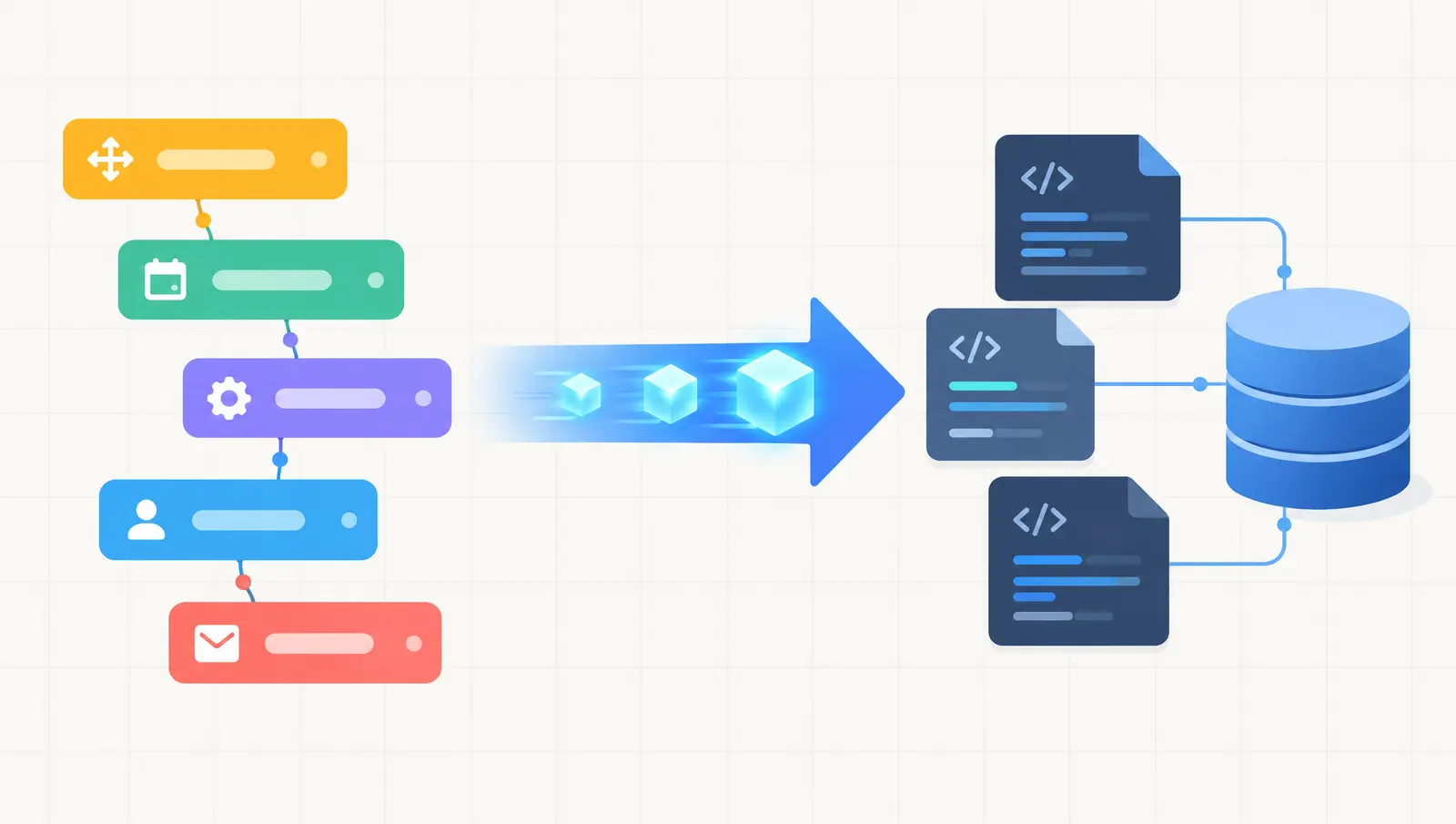
Thinking of moving a Bubble app to Next.js? Here is when it makes sense, the migration steps, what drives cost and timeline, and the risks to plan for.

Explore AI agent development services for building reliable, production-ready AI agents. Learn about architecture, integrations, security, testing, deployment, and costs.
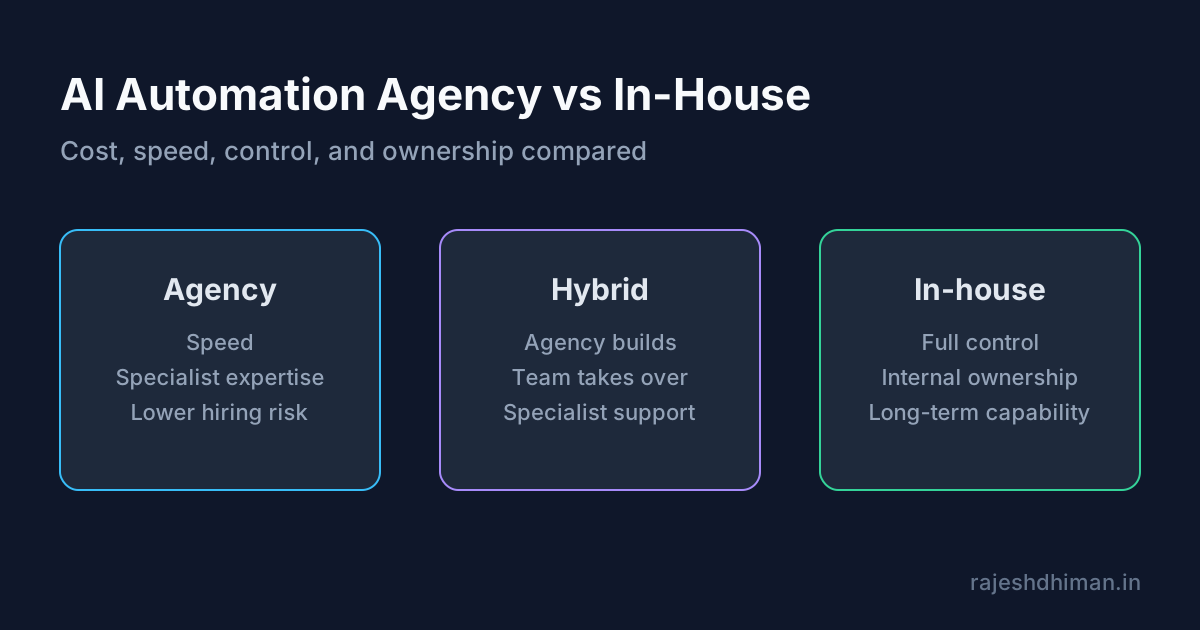
Compare an AI automation agency with in-house development. Learn about costs, services, benefits, risks, timelines, and how to choose the right approach.
Ship AI features that survive real traffic
Start from the failure modes, choose the smallest architecture that holds up, and instrument the path before you scale it.